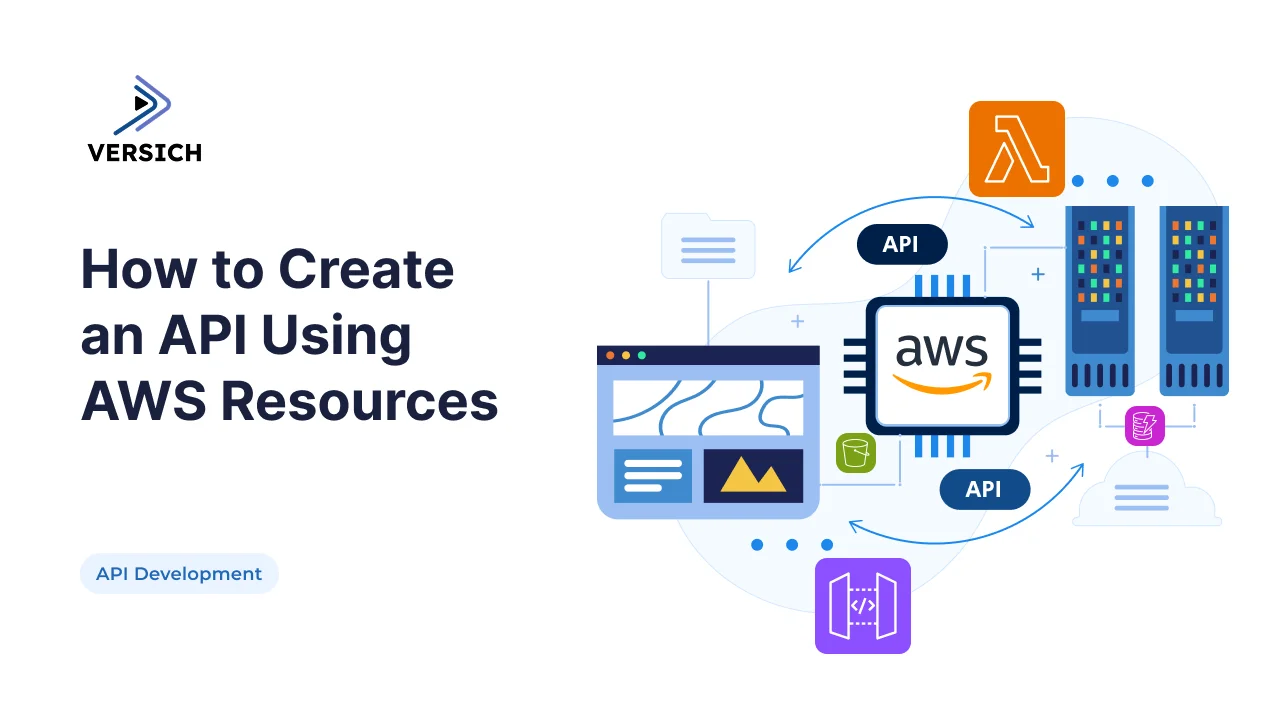
APIs are the glue of modern applications. They connect services, enable integrations, and power digital experiences. But building an API that is secure, scalable, and cost efficient requires more than just writing endpoints, it requires leveraging the right cloud resources.
AWS provides a rich ecosystem for API development: API Gateway for managing endpoints, Lambda for serverless compute, DynamoDB for storage, and CloudWatch for monitoring. Together, these services allow developers to create APIs that scale automatically, reduce infrastructure costs, and deliver consistent performance.
In this guide, we’ll walk through how to create an API using AWS resources, with practical examples, code snippets, and architectural insights. Along the way, we’ll highlight how practices like CI/CD automation and microservices naturally complement AWS based APIs.
Step 1: Designing the API
Before touching AWS, define your API’s purpose and endpoints.
- Identify resources: e.g.,
/users,/orders,/payments. - Choose methods: GET, POST, PUT, DELETE.
- Plan authentication: OAuth 2.0, JWT, or API keys.
- Document with OpenAPI/Swagger: Ensures consistency across teams.
Many global engineering teams rely on clear API specifications to keep distributed developers aligned, as discussed in your blog on global engineering teams speeding up API development.
Step 2: Setting Up API Gateway
AWS API Gateway acts as the front door for your API.
Example: Create a REST API
aws apigateway create-rest-api \
  --name "UserAPI" \
  --description "API for managing users"
Example: Define a Resource
aws apigateway create-resource \
  --rest-api-id  \
  --parent-id  \
  --path-part users
API Gateway handles routing, throttling, caching, and security, making it ideal for production APIs.
Step 3: Adding Business Logic with Lambda
AWS Lambda lets you run code without provisioning servers.
Example: Lambda Function for User Retrieval
exports.handler = async (event) => {
  const userId = event.pathParameters.id;
  return {
    statusCode: 200,
    body: JSON.stringify({ id: userId, name: "Mahendra" })
  };
};
This function executes only when invoked, reducing idle costs. It’s the same principle that makes serverless APIs cost efficient, as explored in your blog on microservices and serverless APIs reducing costs.
Step 4: Storing Data with DynamoDB
DynamoDB provides fast, scalable NoSQL storage.
Example: Create a Table
aws dynamodb create-table \
  --table-name Users \
  --attribute-definitions AttributeName=id,AttributeType=S \
  --key-schema AttributeName=id,KeyType=HASH \
  --provisioned-throughput ReadCapacityUnits=5,WriteCapacityUnits=5
Example: Lambda Integration with DynamoDB
const AWS = require('aws-sdk');
const dynamo = new AWS.DynamoDB.DocumentClient();

exports.handler = async (event) => {
  const userId = event.pathParameters.id;
  const result = await dynamo.get({
    TableName: 'Users',
    Key: { id: userId }
  }).promise();

  return {
    statusCode: 200,
    body: JSON.stringify(result.Item)
  };
};
DynamoDB scales automatically, making it ideal for APIs that need to handle unpredictable traffic.
Step 5: Monitoring with CloudWatch
Monitoring ensures your API stays healthy.
Example: CloudWatch Alarm for Errors
aws cloudwatch put-metric-alarm \
  --alarm-name "HighErrorRate" \
  --metric-name "5XXError" \
  --namespace "AWS/ApiGateway" \
  --statistic Sum \
  --period 60 \
  --threshold 10 \
  --comparison-operator GreaterThanOrEqualToThreshold \
  --evaluation-periods 1 \
  --alarm-actions arn:aws:sns:us-east-1:123456789012:NotifyDevOps
CloudWatch provides visibility into latency, error rates, and usage, ensuring issues are caught early.
Security Considerations
- Use IAM roles to control access.
- Enable throttling to prevent abuse.
- Implement WAF (Web Application Firewall) for protection against common attacks.
- Encrypt sensitive data with KMS.
Security is especially critical for finance APIs, where compliance and trust are non negotiable. Your blog on building secure, scalable payment gateways highlights how encryption and tokenization are essential.
Deployment with CI/CD
Automating deployment ensures consistency.
Example: GitHub Actions Workflow
jobs:
  deploy-api:
    runs-on: ubuntu-latest
    steps:
      - uses: actions/checkout@v3
      - run: npm install
      - run: npm test
      - run: serverless deploy
CI/CD pipelines reduce downtime and accelerate delivery, as discussed in your blog on accelerating API delivery.
Real World Example
A retail company needed an API to handle product catalog queries.
- API Gateway managed endpoints.
- Lambda handled business logic.
- DynamoDB stored product data.
- CloudWatch monitored performance.
- CI/CD pipelines automated updates.
Result: The API scaled to handle millions of requests during seasonal sales, while infrastructure costs aligned with actual usage.
Conclusion
Creating APIs with AWS resources isn’t just about writing code, it’s about designing an ecosystem that is secure, scalable, and cost efficient. By combining API Gateway, Lambda, DynamoDB, and CloudWatch, developers can build APIs that adapt to demand, reduce costs, and deliver consistent performance.
At Versich, we help organizations design and implement AWS based APIs tailored to their needs. Explore our API Development Services and DevOps Services to see how we can help you build secure, scalable APIs on AWS.