Introduction
At Versich, we spend a lot of our time inside finance teams that are still chasing invoices through email threads, spreadsheets, and someone's desk drawer. It is one of the most common bottlenecks we see across NetSuite implementations, and it rarely gets the attention it deserves until an audit, a missed payment, or a frustrated vendor forces the issue.
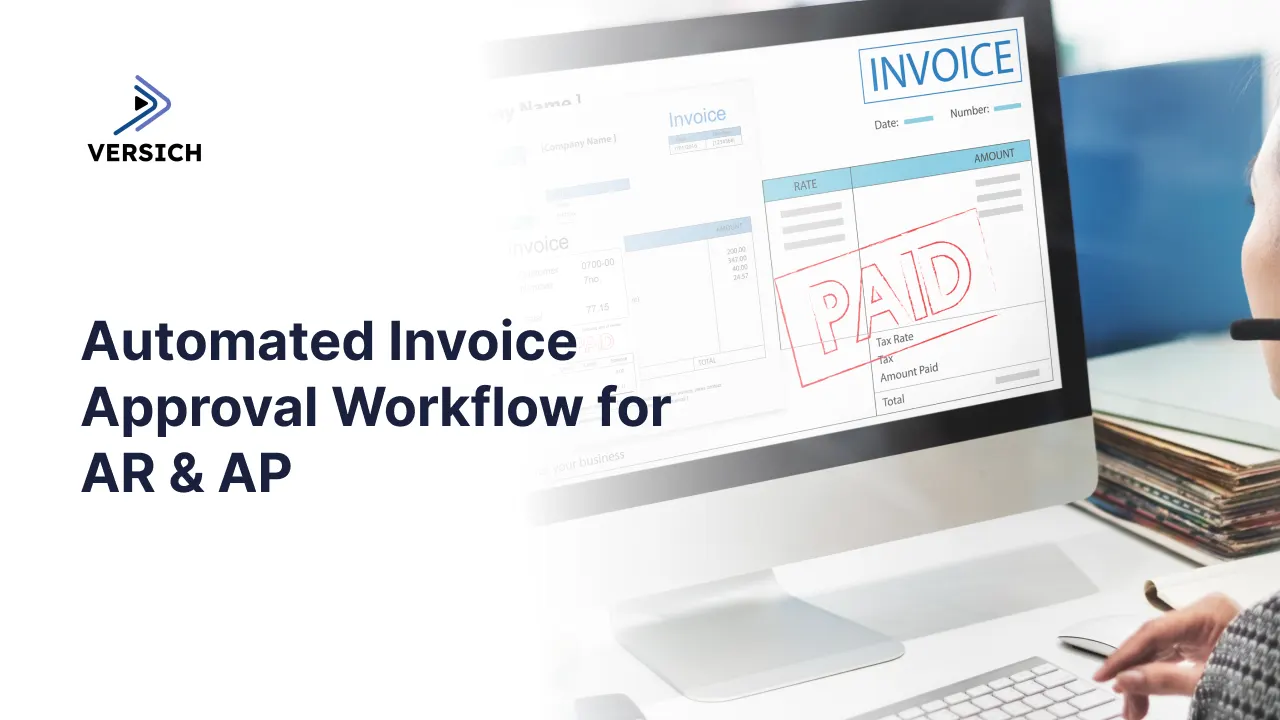
Invoice approval sits at the centre of both Accounts Payable and Accounts Receivable. On the AP side, it determines how quickly and accurately your business pays vendors. On the AR side, it shapes how credit, discounts, and write-offs get approved before revenue is recognised. When either process is manual, it slows down close, increases error rates, and makes it harder to see where money is actually moving.
In this article, we walk through what an automated invoice approval workflow looks like for AR and AP, how it fits within NetSuite, and where tools like n8n, custom APIs, and Power BI extend that automation beyond the ERP itself. We will also cover the practical steps we take when we build these workflows for our clients.
Why Manual Invoice Approval Breaks Down at Scale
Manual approval works fine when invoice volume is low and everyone sits in the same office. It stops working the moment a business adds subsidiaries, remote approvers, multiple currencies, or simply more transactions than one person can track in their inbox.
We typically see the same set of problems repeat across clients, regardless of industry:
- Invoices sit in someone's inbox for days before anyone notices them
- Approvers are unsure which invoices are theirs to approve, so nothing moves
- There is no single record of who approved what, or when
- Duplicate payments slip through because there is no matching logic
- Finance has no visibility into how many invoices are stuck, or where
None of these problems are about effort or diligence. They are structural. A manual process has no enforced rules, so it depends entirely on people remembering to check, follow up, and escalate. Automation replaces that dependency with logic that runs the same way every time.
We also see a knock-on effect at month end. When approval status lives in scattered inboxes rather than a structured record, the close process slows down because the accounting team cannot trust that every invoice has actually been reviewed. They end up chasing approvers manually just to confirm a number, which adds days to a close that should take hours. The cost of a slow approval process rarely shows up as a single line item. It shows up as late payment fees, missed early payment discounts, strained vendor relationships, and a finance team that spends more time tracking down status than actually analysing the numbers.
What an Automated AP Workflow Looks Like in NetSuite
For Accounts Payable, our standard approach starts with how the invoice enters NetSuite in the first place. Whether it arrives through a vendor bill record, a PO match, or an external intake form, the goal is the same: get the invoice into a structured record as early as possible, with no manual retyping.
From there, we build approval routing using SuiteFlow and, where the logic gets more complex, custom SuiteScript. A typical AP approval workflow we configure for clients includes the following stages.
Capture and Matching
The vendor bill is created or imported, and matched against the purchase order and receipt where applicable. Mismatches are flagged immediately rather than discovered during payment processing.
Rules Based Routing
The invoice is routed to the right approver automatically, based on criteria such as dollar amount, vendor, subsidiary, department, or expense category. We have built this logic for clients managing intercompany transactions across multiple subsidiaries, where routing rules need to account for currency and entity differences.
Escalation and Reminders
If an approver does not act within a set window, the workflow escalates automatically to a backup approver or a manager. This is usually the single biggest improvement clients notice, since it removes the silent stall that happens when someone is on leave or simply misses a notification.
Posting and Payment
Once approved, the bill is posted and queued for payment according to the agreed terms, with the full approval history attached to the record.
We have built variations of this workflow for expense report reversal automation, vendor onboarding through a publicly accessible Suitelet, and cost centre auto-assignment, all of which reduce the manual touchpoints a finance team needs to manage.
One detail that often gets overlooked is what happens when an invoice is rejected rather than approved. A workflow that only handles the approval path leaves a gap the moment something needs correction. We build rejection logic that sends the invoice back to the originator with a reason attached, rather than leaving it sitting in limbo or forcing the approver to track down the right person by email. This keeps the audit trail intact even when an invoice does not move through cleanly on the first pass, which matters just as much during an audit as a clean approval history does.
What an Automated AR Workflow Looks Like in NetSuite
Accounts Receivable automation gets less attention than AP, but the approval logic matters just as much. AR approvals usually centre on credit decisions, discount authorisation, and write-off review, all of which carry direct revenue impact if they are mishandled.
A typical AR approval workflow we set up includes:
- Automatic credit checks triggered when a new sales order exceeds a customer's credit limit
- Discount approval routing when a sales rep applies a non-standard discount
- Write-off and credit memo approval routed to finance leadership above a defined threshold
- Dunning and collections workflows that escalate overdue invoices automatically
Because AR approvals often involve sales, customer service, and finance, we pay particular attention to making sure each team only sees what is relevant to them. A sales rep does not need visibility into finance's write-off approval queue, and finance does not need to be looped into every discount request below a certain value. Good routing logic keeps each team focused on its own queue.
We also build in a layer of context for the approver rather than just a yes or no decision. When a credit check fails or a discount request comes in above the usual range, the approver needs to see why, including the customer's payment history, current balance, and any open disputes, without having to dig through separate records to find it. We surface that context directly in the approval notification wherever NetSuite and the workflow tool allow it, which speeds up the decision and reduces the number of approvals that get rubber stamped simply because the reviewer did not have enough information in front of them to make a real judgement call.
AR and AP Workflow Triggers at a Glance
Workflow | Common Trigger | Typical Approval Logic |
Accounts Payable | Vendor bill received or PO matched | Routed by dollar threshold, vendor type, or subsidiary |
Accounts Receivable | Sales order, contract milestone, or usage event | Routed for credit check, discount approval, or write-off review |
Credit memos | Return, dispute, or pricing correction | Escalated above a set value to finance leadership |
Manual vs Automated: A Side by Side Comparison
It helps to see the difference in practical terms. Here is how the two approaches compare across the stages that matter most to finance teams.
Process Stage | Manual Approach | Automated Workflow |
Invoice capture | Email inbox or paper, manually logged | Auto-captured and matched to PO/SO |
Approval routing | Forwarded by email, easily lost | Routed by rules based on amount, vendor, or department |
Exception handling | Identified late, often after payment | Flagged automatically before posting |
Audit trail | Scattered across inboxes and spreadsheets | Centralized, timestamped, and exportable |
Cycle time | Days to weeks | Hours, in most cases |
Extending Automation Beyond NetSuite with n8n
NetSuite handles the system of record and the approval logic that lives within it, but invoice workflows rarely stay inside one system. Invoices arrive by email, supporting documents sit in shared drives, and approvers often want a notification in Slack or Teams rather than another email in a crowded inbox.
This is where we bring in n8n. We use it to orchestrate the parts of the workflow that sit outside NetSuite, including:
- Pulling invoice PDFs from a shared inbox and attaching them to the correct NetSuite record
- Sending approval reminders through Slack or Teams instead of relying on email alone
- Triggering OCR or data extraction tools before an invoice ever reaches NetSuite
- Syncing approval status between NetSuite and other internal systems
Because n8n connects to NetSuite through APIs, we can build these orchestration layers without writing a single custom integration from scratch for each connection. If your invoice approval process involves tools outside NetSuite, our
n8n workflow automation services are built specifically to connect those gaps without adding more manual work for your team.
Where API Development Fits In
Some of the connections an invoice workflow needs do not have an off the shelf integration available, particularly when a client uses a proprietary banking portal, a legacy procurement tool, or an internal system built years ago. In those cases, we build a custom API.
We have done this for clients who needed NetSuite to talk directly to vendor portals for early payment discount tracking, or to a procurement system that had no native NetSuite connector. A well built API gives you a secure, repeatable way to move invoice data between systems, rather than relying on manual exports and imports.
If your AR or AP workflow depends on a connection that does not exist yet, our API development services are designed to build that bridge securely, with the scalability to handle growing invoice volume.
The Tooling Layers Behind a Complete Workflow
Most of the automated AR and AP workflows we build rely on a combination of the layers below, rather than any single tool doing all the work.
Layer | What It Handles |
NetSuite | System of record for transactions, approvals, and financial reporting |
SuiteScript and SuiteFlow | Custom approval rules, routing logic, and record automation inside NetSuite |
n8n | Orchestration across systems, notifications, and document handling outside NetSuite |
APIs | Secure data exchange between NetSuite, banking portals, and third-party tools |
Power BI | Visibility into approval status, aging, and bottlenecks across AR and AP |
Gaining Visibility with Power BI
Automating the approval process solves the speed problem, but it does not automatically give finance leadership visibility into how the process is performing. That is where reporting comes in. Once invoice and approval data sits cleanly in NetSuite, we connect it to Power BI to surface the metrics that actually matter to a CFO or controller.
Dashboards we typically build for AR and AP automation projects include:
- Average approval cycle time, broken down by approver or department
- Invoices currently stuck in approval, with how long each one has been waiting
- AP aging and AR aging side by side, to spot cash flow pressure early
- Approval volume trends over time, to plan staffing or escalation rules
These dashboards tend to change behaviour on their own, even before any further process changes are made. Once an approver knows their average response time is visible on a dashboard the CFO reviews weekly, invoices stop sitting unopened for three days. That kind of visibility is difficult to create with spreadsheets pulled together manually each month, since by the time the data is compiled it is already out of date.
If you already have automation in place but cannot see how it is performing, our Power BI consulting services can turn that NetSuite data into dashboards your finance team actually checks every week.
How We Approach Implementation
Every AR and AP automation project we take on starts with mapping the current process exactly as it works today, not as it is supposed to work on paper. We have found that the gap between documented process and actual practice is where most automation projects go wrong if it is skipped.
Our typical implementation steps are:
- Map the current invoice flow for both AP and AR, including every manual handoff
- Identify approval rules and thresholds that need to be enforced, including exceptions
- Build and test the SuiteFlow or SuiteScript logic inside a NetSuite sandbox
- Connect any external orchestration needs through n8n or a custom API
- Layer in Power BI reporting so the new process is measurable from day one
- Run the workflow in parallel with the existing process before fully cutting over
We avoid switching a client's entire approval process over in one go. A parallel run, even a short one, almost always surfaces an edge case that the original mapping missed, and it is far easier to fix before go-live than after.
We also keep change management in mind throughout. The teams approving invoices today, whether in finance, procurement, or operations, are the ones who need to trust the new process from day one. We build training around the actual workflow they will use, rather than generic documentation, and we stay involved past go-live to adjust thresholds or routing rules once real volume starts moving through the system. Approval rules that looked right on paper sometimes need a small adjustment once they meet real invoices, and we would rather make that adjustment in the first few weeks than let a workaround become permanent.
Conclusion
Automating invoice approval for AR and AP is not just about saving time, although that is usually the first benefit a finance team notices. It is about building a process that behaves the same way every time, gives finance leadership real visibility into where bottlenecks sit, and removes the dependency on any one person remembering to check an inbox.
Whether your invoice workflow lives entirely inside NetSuite or stretches across email, Slack, banking portals, and reporting tools, we can help you map it, automate it, and make it measurable. Our team has built these workflows across industries and subsidiary structures, and we know where the common failure points sit before they cause a problem.
If you would like to talk through what an automated AR or AP approval workflow could look like for your business, get in touch with our team and we will walk you through it.