About Client
Our client is a multinational manufacturer of industrial equipment, recognized for quality, customer satisfaction, and a commitment to excellence, with manufacturing operations spanning over 100 countries.
Problem Statement
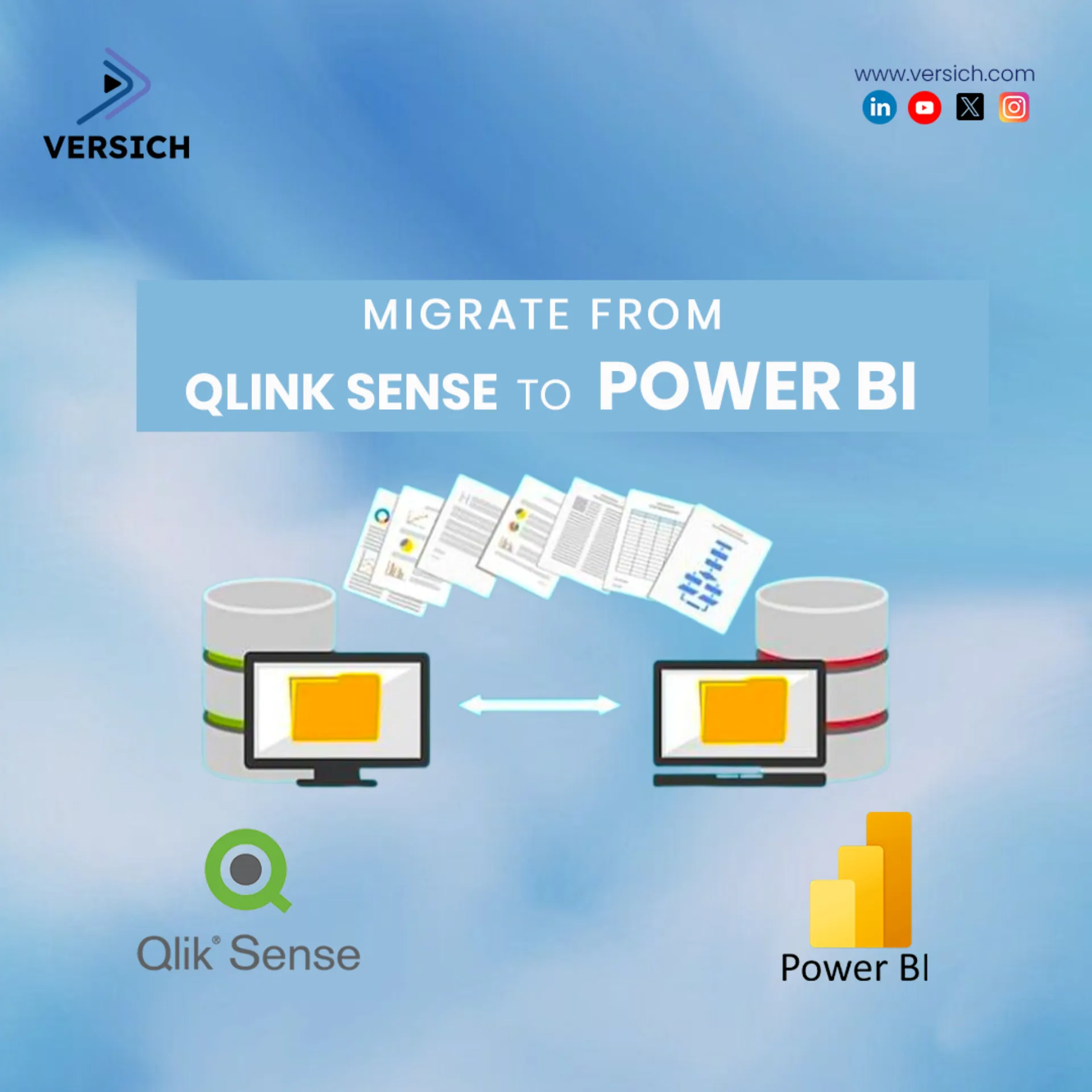
Qlik Sense was our client’s primary business intelligence tool (BI), with all reporting and dashboards developed in Qlik Sense across their business functions, including sales, production, inventory, QA, and finance. The business decided to migrate its Qlik Sense dashboards and reports to Power BI as part of a strategic initiative to leverage the Microsoft Azure cloud platform. The business wanted to benefit from the scalability, security, and integration capabilities of Power BI, as well as its lower total cost of ownership compared to Qlik Sense.
Project Challenges
- The Qlik Sense data model and expressions were complex and customized, requiring thorough analysis and translation to Power BI.
- The Qlik Sense data sources were diverse and heterogeneous, coming from multiple sources, including SQL Server, Oracle, SAP, Excel, manual CSV files, and web services.
- The Qlik Sense dashboards and reports had to be recreated in Power BI with improved visualizations, performance, and user experience.
Versich Approach and Solution
- Assessment: A consultant from Versich joined the client team for workshops to assess the existing Qlik Sense data architecture, data models, and dashboards. Reports were assessed and documented along with their data sources, expressions, features, and functionalities.
- Data Preparation: The data sources were consolidated and optimized, and the data models were redesigned and normalized using Power Query and SQL Server Integration Services (SSIS). The data models were deployed to Azure SQL Database and Azure Analysis Services, and refreshed using Azure Data Factory (ADF).
- Report Development: The reports and dashboards were created in Power BI Desktop using best practices and appropriate visualizations, with a focus on performance and user experience. The dashboards and reports were tested and validated for accuracy, performance, and usability.
- Report Deployment: The dashboards and reports were published to Power BI Service and organized into workspaces and apps. Security and access controls were configured using Azure Active Directory and Power BI roles.
- User Adoption: We set up workshops to train business users on how to use and interact with the Power BI dashboards and reports. Feedback and issues were collected and resolved, and enhancements and changes were implemented as needed.
Positive Business Impacts
- Our client was able to leverage the power and flexibility of Power BI and the Azure cloud platform to reduce dependency on on-premises infrastructure and maintenance.
- Our client was able to reduce licensing and operational costs by switching from Qlik Sense to Power BI and achieve a faster return on investment.
- Our client was able to improve data quality, consistency, and governance by using a centralized and standardized data model and data source.
- Our client was able to enhance its business intelligence capabilities by using the advanced features and functionalities of Power BI, such as AI, natural language, and mobile access.
- Our client significantly enhanced its dashboards and reporting processes, delivering more intuitive, dynamic, and actionable insights for better decision-making.