NetSuite Module

NetSuite AP Automation

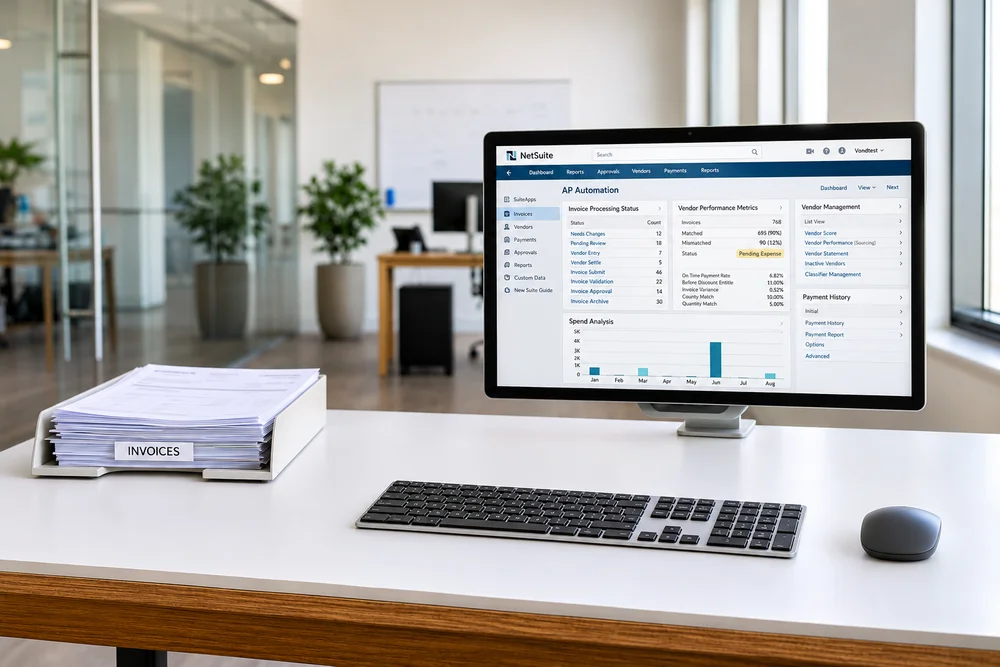
NetSuite AP Automation module takes vendor bills from inbox to paid without retyping, from AI-powered bill capture and purchase order matching to approval routing and vendor payments. Versich helps finance teams across the United States and the UK set it up, connect it to their approval rules, and keep payables moving.
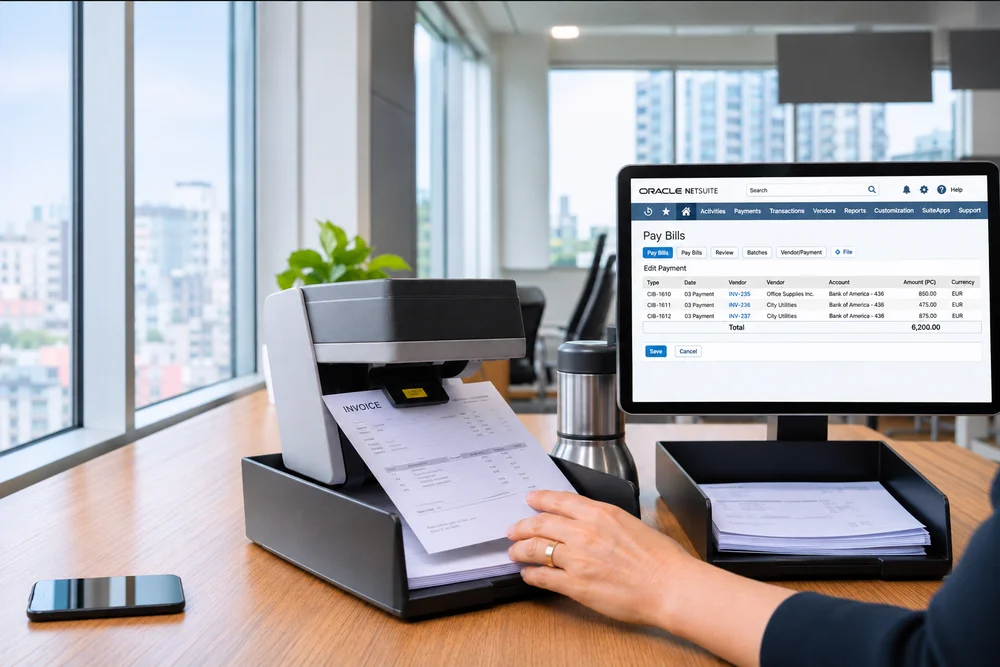

NetSuite AP Automation

Our NetSuite Consultant's Certifications

Oracle NetSuite Certified-SuiteFoundation
Oracle NetSuite Certified-ERP Consultant
Oracle NetSuite Certified-SuiteCloud Developer II
Oracle NetSuite Certified-SuiteCommerce Developer
Oracle NetSuite Certified-Administrator
What Is NetSuite AP Automation?

What Is NetSuite AP Automation?

NetSuite AP Automation module is Oracle's native invoice-to-pay toolset for NetSuite. It brings together Bill Capture, which reads invoice files and creates draft vendor bills, approval and matching workflows, and Intelligent Payment Automation, which pays vendors directly from NetSuite.

Every bill, approval, and payment stays inside the same NetSuite account as your purchase orders, receipts, and general ledger. AP teams stop keying invoices, chasing approvals over email, and printing checks, and finance sees what is owed and what has been paid in real time.

NetSuite AP Automation includes

Automatic bill captureAutomatic bill capture
PO matching and approvalsPO matching and approvals
Electronic vendor paymentsElectronic vendor payments

How NetSuite AP Automation Benefits Your Business

NetSuite AP Automation module takes the manual work out of payables and gives finance tighter control over cash going out.

Less Manual Data Entry

Less Manual Data Entry

Bill Capture reads vendor invoices and creates draft bills automatically.

Faster Approvals

Faster Approvals

Rules route each bill to the right approver, so invoices stop sitting in inboxes.

Fewer Errors and Duplicates

Fewer Errors and Duplicates

Matching and duplicate checks catch problems before a bill is paid.

Lower Processing Costs

Lower Processing Costs

Fewer manual steps let your AP team handle more volume without adding staff.

Better Cash Flow Control

Better Cash Flow Control

Schedule payments around due dates and capture early payment discounts.

Real-Time Visibility

Real-Time Visibility

Track every bill and payment status from one dashboard.

NetSuite AP Automation Features

NetSuite AP Automation module covers each step of the payables cycle, from the moment a bill arrives to the moment it is paid and recorded.

Bill Capture

Bill Capture

Upload or email vendor invoices, and AI reads the details to create draft vendor bills for review.

Purchase Order and Receipt Matching

Purchase Order and Receipt Matching

Bills are matched against purchase orders and item receipts, with mismatches flagged before approval.

Approval Routing

Approval Routing

Route bills by amount, department, subsidiary, or vendor, so the right person approves every invoice.

Duplicate Bill Detection

Duplicate Bill Detection

Duplicate invoices are caught before they reach the payment run.

Intelligent Payment Automation

Intelligent Payment Automation

Pay vendors by ACH, check, virtual card, or wallet payment through the BILL network, directly from NetSuite.

Payment Controls

Payment Controls

Role-based permissions decide who can create, approve, and release payments.

Payment Status Tracking

Payment Status Tracking

A payment dashboard shows where every payment stands, from scheduled to cleared.

Automatic Recording

Automatic Recording

Payments post back to NetSuite, so vendor balances and the general ledger stay current.

Common Accounts Payable Challenges and How We Solve Them

Most AP teams look at automation once invoice volume outgrows manual processes. These are the challenges we solve most often with NetSuite AP Automation and an AP process built to scale.

Manual Invoice Entry

Manual Invoice Entry

Every vendor bill is keyed in by hand. We set up Bill Capture so invoices become draft bills automatically.

Approval Bottlenecks

Approval Bottlenecks

Bills wait in inboxes for sign-off. We build approval rules that route each bill to the right person and escalate when needed.

Duplicate or Incorrect Payments

Duplicate or Incorrect Payments

The same invoice gets paid twice, or for the wrong amount. We configure matching and duplicate checks before bills reach payment.

Late Fees and Missed Discounts

Late Fees and Missed Discounts

Payments go out after due dates. We schedule payment runs around terms so you pay on time and capture discounts.

Printing and Mailing Checks

Printing and Mailing Checks

Payments rely on paper and manual bank uploads. We set up Intelligent Payment Automation so vendors are paid electronically from NetSuite.

Moving Off the Older Payment Setup

Moving Off the Older Payment Setup

Oracle is retiring the older Payment Automation setup in favor of Intelligent Payment Automation. We plan and run the move, including vendor and bank details.

How We Implement NetSuite AP Automation

Every AP Automation project starts with how bills reach you today and who needs to approve them.

AP Process and Licensing Review

AP Process and Licensing Review

We map how invoices arrive, who approves them, how vendors are paid, and which licenses you need.

Vendor Data and Workflow Design

Vendor Data and Workflow Design

We clean up vendor records and payment details, and design approval rules and matching tolerances.

Sandbox Configuration

Sandbox Configuration

We set up Bill Capture, approval workflows, matching, and Intelligent Payment Automation in sandbox.

Testing

Testing

We test bills, approvals, and payment runs end to end before anything goes live.

Training and Go-Live

Training and Go-Live

Role-based training for AP clerks, approvers, and the people who release payments.

Post-Launch Support

Post-Launch Support

We monitor your first payment runs and tune rules as your vendor base grows.

NetSuite AP Automation Pricing

AP Automation pricing has three parts: the module license, payment fees for each transaction, and one-time setup.

License Fees

License Fees

Licensing depends on your NetSuite edition, contract, and the AP features you add.

Payment Fees

Payment Fees

Intelligent Payment Automation is free to install, and BILL charges transaction fees for payments processed through its network.

Implementation and Support

Implementation and Support

Scope drives cost. A single entity with simple approvals sits at the lower end, while many subsidiaries, complex approval rules, or a move from the older payment setup need more design and testing.

What Our Clients Say About Our NetSuite Services

Explore Related NetSuite Modules

NetSuite AP Automation works alongside other NetSuite financial modules to extend your finance setup.

BLOGS & NEWS

Our Latest Blogs

06 Nov, 2026 by George Stones

NetSuite Inventory Adjustment Reason Co…

A common assumption is that adding a reason field to a NetSuite inventory adjustment creates control. It does not. NetSuite inventory adjustment reaso
Read More
06 Nov, 2026 by Toheeb Giwa

Deploy AI-Built SuiteScript Apps Withou…

A single AI-generated SuiteScript function can look correct while still failing in production because of governance units, execution context, role per
Read More
06 Nov, 2026 by Ujjwal Thakur

AI Agent Exception Handoffs for Interna…

Picture an employee asking an internal ERP assistant to correct a purchase order, explain an invoice hold, or update a vendor record. The request look
Read More
View More Blogs

Frequently Asked Questions

What is NetSuite AP Automation?

It is Oracle's native invoice-to-pay toolset for NetSuite. It captures vendor bills, matches them to purchase orders and receipts, routes approvals, and pays vendors from inside NetSuite.

How does it work?

Bill Capture turns invoice files into draft bills, matching and approval rules check and route them, and Intelligent Payment Automation pays approved bills and records the payments back in NetSuite.

Is AP Automation included with NetSuite?

No. It is licensed separately. The Intelligent Payment Automation SuiteApp is free to install, with BILL transaction fees for each payment.

Which payment methods are supported?

Intelligent Payment Automation supports ACH, checks, virtual cards, and wallet payments through the BILL network.

Can I pay international vendors?

Intelligent Payment Automation is built for US-based organizations and US subsidiaries. Payments to vendors outside the US usually run through Electronic Bank Payments instead.

What is happening to the older Payment Automation setup?

Oracle is moving customers from the older Payment Automation setup to Intelligent Payment Automation. We plan and run that move, including vendor and bank details.

Do you implement NetSuite AP Automation for businesses in the United States?

Yes. Versich implements and supports AP Automation for businesses across the United States and the UK, working in each client's time zone.