
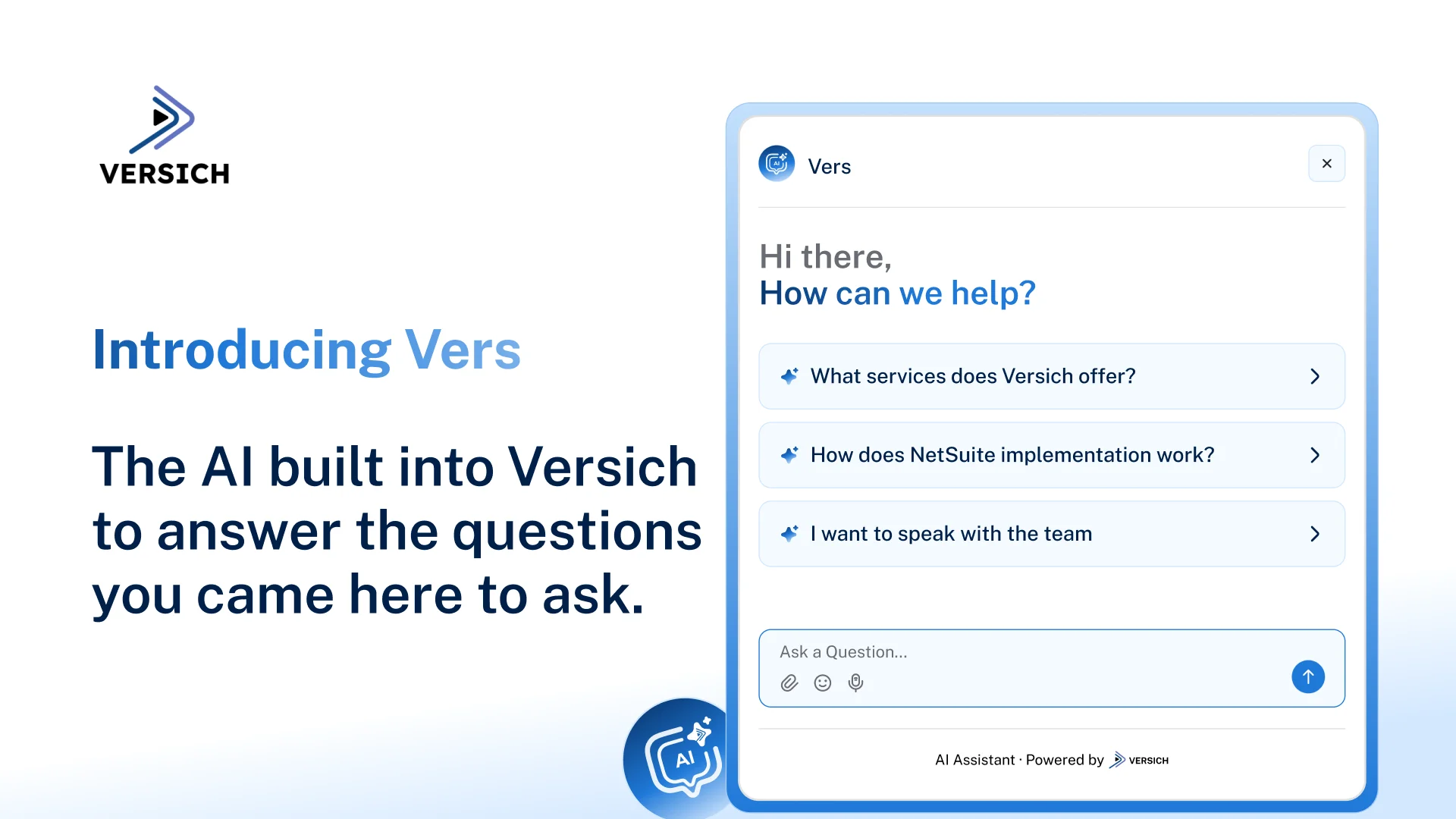
Vers makes it easier to find information about our technology and business solutions without having to search through multiple pages. Vers can answer questions about our services, explain our solutions, and help guide you toward the information most relevant to your business and also help you understand your options and find the right place to start.
Meet Vers, Versich’s AI assistant: Chat with Vers
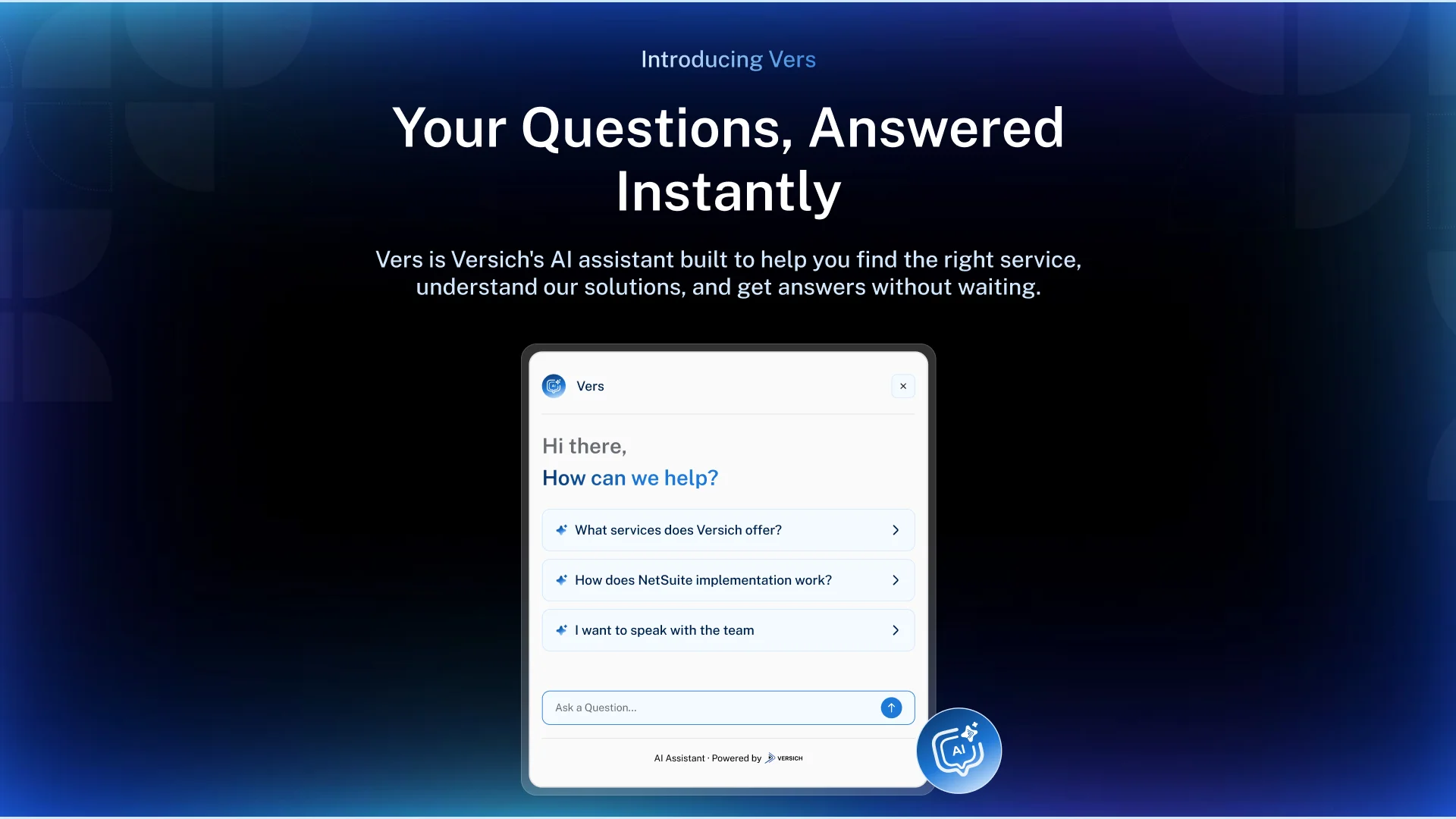
We built Vers because getting the information you need should be simple. You should be able to ask a question and get a clear answer right away. Whether you are exploring NetSuite and Odoo services, looking to connect applications with MuleSoft or Boomi, or trying to get more value from your data with Power BI, you can ask Vers a question and get pointed toward the information that matters to you.
What Vers Can Help You With
Vers is ready to answer questions across our core technology and business solutions. From ERP and business systems to data, integration, and automation, Vers can help you explore the areas that matter to your business.
Ask Vers About:
NetSuite: Explore implementation, customization, integration, development, administration, and managed services.
Odoo: Learn about Odoo consulting, implementation, customization, and how the platform can support different business requirements.
Power BI and data analytics: Find information about dashboards, reporting, data visualization, and turning business data into actionable insights.
MuleSoft and Boomi: Explore application integration, automation, and ways to connect systems and data across your technology environment.
Our services: Understand what we offer and which services may be relevant to a particular business or technology requirement.
Your business requirements: Describe a challenge or requirement and use Vers to identify relevant services, resources, or possible next steps.
Vers can also point you toward relevant pages and resources, help you explore a specific service, or direct you to the Versich team when you need further assistance.
How to Use Vers
Using Vers is straightforward:
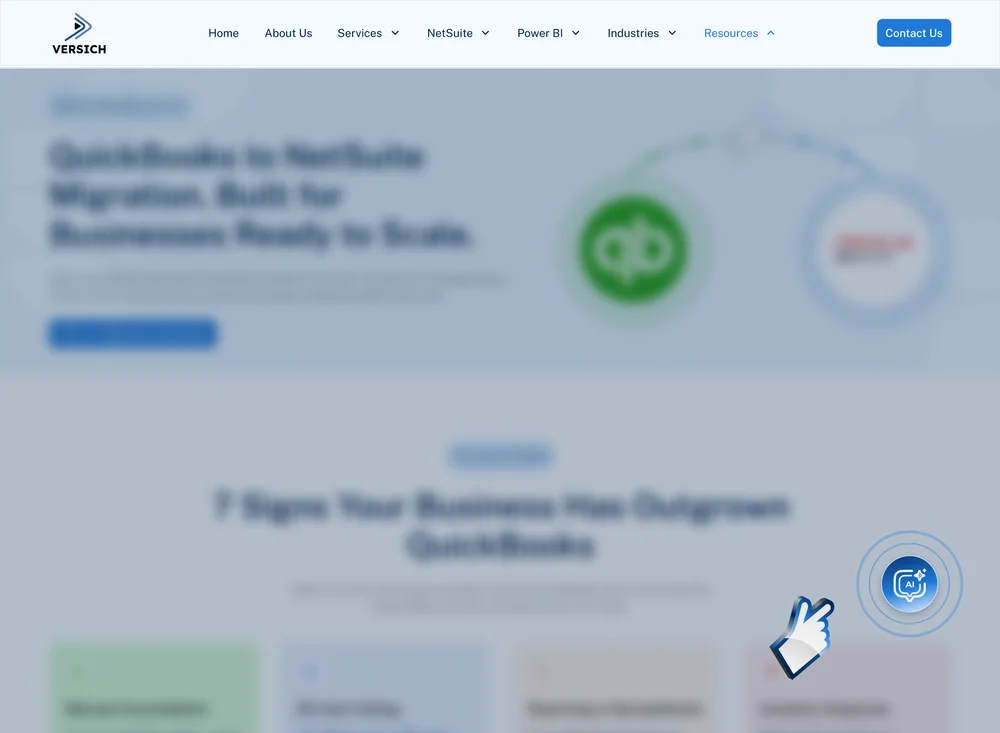
1. Open Vers: Click the Vers icon in the bottom-right corner of any page on our website.
2. Start with a question: Vers displays suggested questions when the chat opens, or you can type your own question.
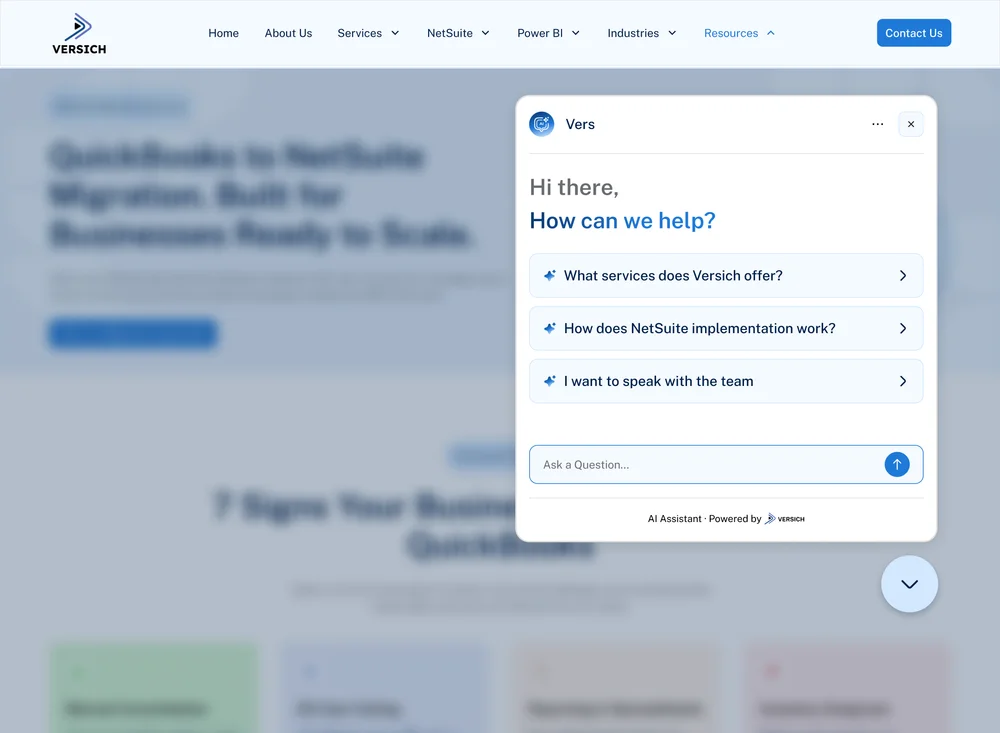
3. Ask your question: Type your question or describe what you need help with, then send it.
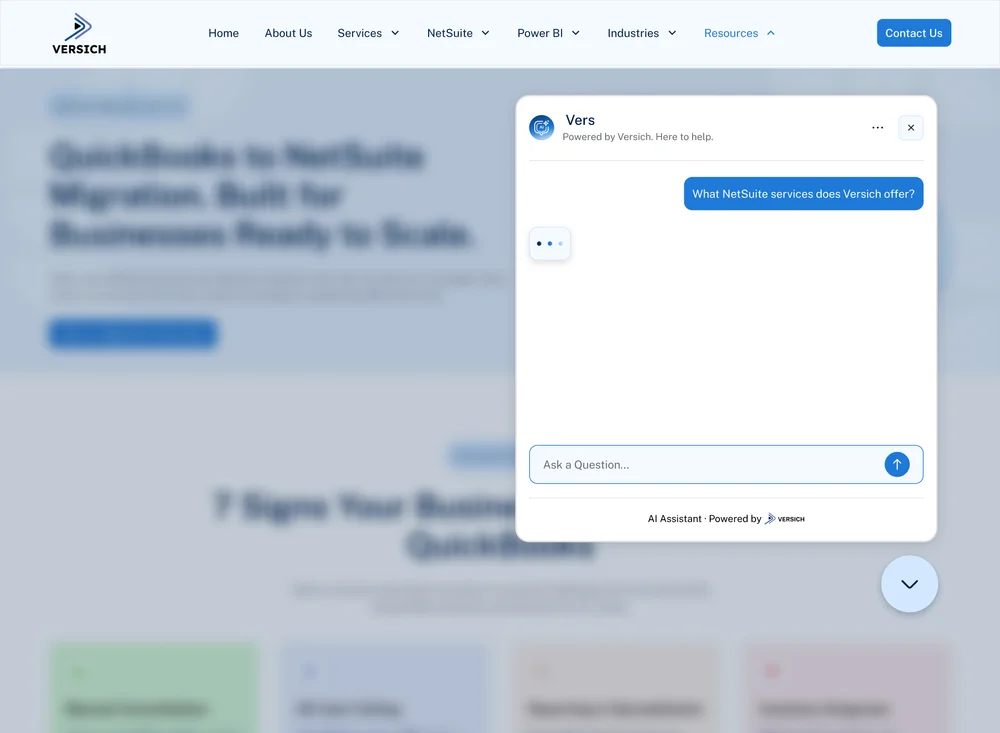
4. Review the response: Vers provides an immediate response based on your query and can help you find relevant information across our website.
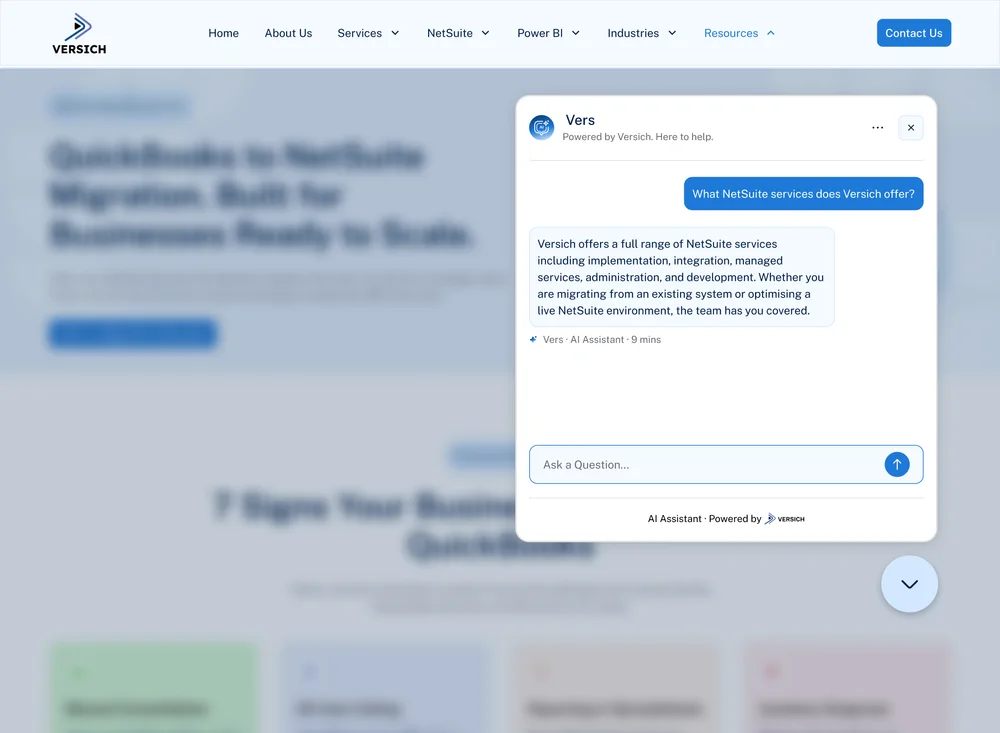
5. Continue the conversation: Ask follow-up questions to narrow down what you need, whether you're exploring a NetSuite service, looking for a resource, or trying to connect with the team if you need more detailed assistance.
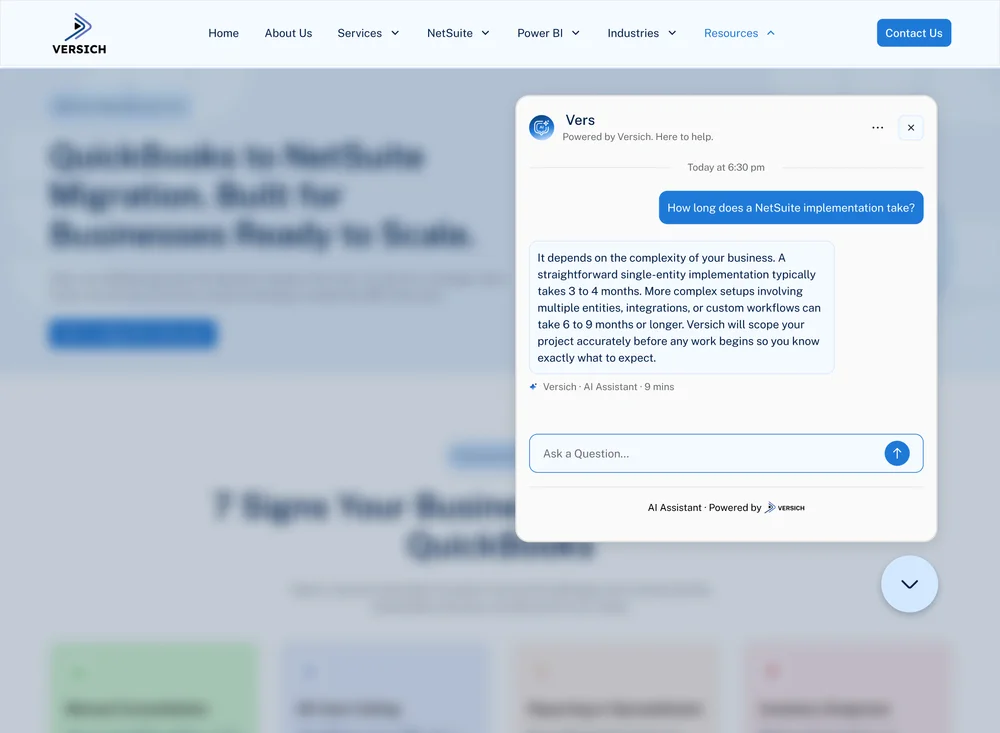
Vers is designed to help you get from “What do I need?” to “Where do I start?” with less searching and a clearer path to the information or support you need.
Try Vers Today
Have a question about something you found on our website? Ask Vers.
You can use Vers to find information about our services, technology solutions, resources, and areas of expertise.
You can use Vers to explore questions such as:
What does a NetSuite implementation involve?
Do I need NetSuite integration support?
What can Power BI do for my business?
How can MuleSoft or Boomi connect my business applications?
Which Versich service is relevant to my technology requirement?
You can start a conversation from any of our webpage by clicking the Vers icon in the bottom-right corner, orchat with Vers directly.
Have a question? Chat-with-Vers.




