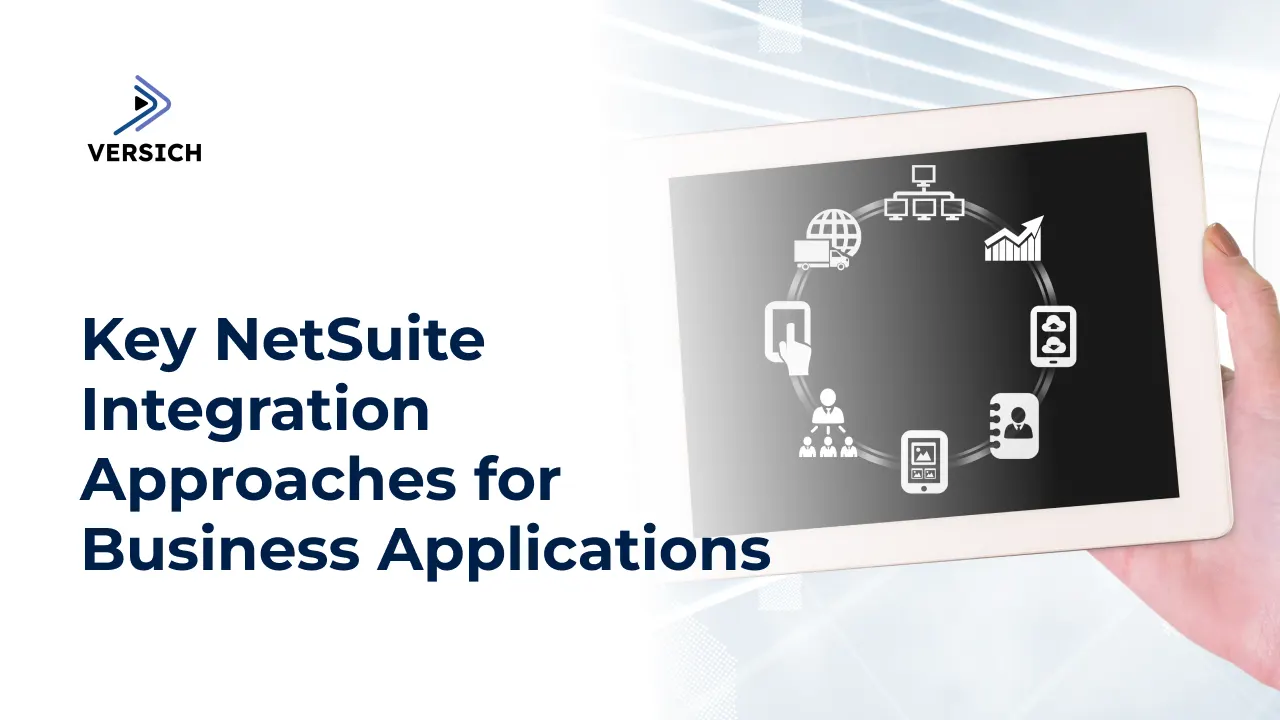
Integrating a unified platform that connects various applications has evolved from being optional to essential. Imagine a business setting where retrieving information from multiple functional applications consumes excessive time and resources. In contrast, consider the simplicity offered by an integrated suite of applications that satisfies all functional requirements through one platform. As a premier ERP platform, NetSuite not only facilitates the integration of diverse software systems but also allows for customization tailored to unique business demands. Multiple methods exist for integrating business applications with NetSuite, including native solutions, pre-built options like SuiteApps, and external integration tools. Custom integrations can also be explored to further align with your specific requirements. In this article, we will analyze each of these NetSuite integration methods in detail.
Native NetSuite Integrations
NetSuite is equipped with a variety of native integration solutions designed to minimize manual work and enhance efficiency. These native solutions can be broadly segmented into SuiteApps and SuiteCloud Connectors.
SuiteApps (NetSuite’s SuiteApp Marketplace)
Various Functionalities: SuiteApps serve a multitude of functions, including tax compliance, financial reporting, e-commerce, supply chain management, and more.
Customizable to Fit Business Needs: SuiteApps can be further tailored to accommodate the specific scalability and functional requirements of the enterprise.
Pay-as-you-go Model: As part of the core NetSuite ecosystem, SuiteApps do not impose an additional financial burden across all functional applications. Businesses can select the SuiteApps that meet their specific needs.
SuiteCloud Connectors
Salesforce Integration: A connector exists to facilitate the integration of Salesforce CRM with NetSuite, allowing companies to leverage the benefits of both platforms.
Google Apps Integration: For businesses that rely heavily on popular Google services, SuiteCloud Connectors grant access to NetSuite data directly through Gmail, Google Calendar, Google Chat, or Google Drive.
Office 365 Integration: Similarly, businesses utilizing Microsoft 365 can link it with NetSuite via SuiteCloud Connectors for smooth data synchronization and collaboration.
iPaaS (Integration Platform as a Service) Solutions
While the NetSuite integration methods and tools are ready-made solutions, companies often require custom integrations to achieve specific goals. iPaaS (Integration Platform as a Service) providers offer expanded possibilities for customization. Let's dive into some well-known iPaaS solutions along with their features.
Celigo
Celigo stands out as a leading iPaaS provider known for its process-driven approach. Here’s what Celigo brings to the table.
Features:
Pre-Built Integrations: Celigo boasts a comprehensive library of pre-built integrations that cover numerous business applications and systems, accelerating deployment timelines and reducing development burdens.
Customization Options: In addition to pre-built integrations, Celigo allows for extensive customization, such as tailored data mappings and advanced workflow setups.
Robust Monitoring Capabilities: Celigo offers strong monitoring features to track data flows and identify potential issues or operational roadblocks.
Dedicated Assistance: Celigo provides tailored support to help resolve any integration difficulties efficiently.
Use Cases:
E-commerce:Celigo integration automates processes related to order management, inventory oversight, and customer data synchronization.
CRM: Celigo facilitates seamless integration with existing CRM systems, optimizing sales workflows, enhancing customer relationships, and driving revenue growth.
Legacy Systems: Celigo streamlines the integration of NetSuite with existing legacy applications, ensuring smooth data transfers across finance, operations, and other areas.
Dell Boomi
Dell Boomi is distinctive for its ability to automate the scaling of integrations and enable seamless self-management. It adapts to user requirements, thereby minimizing manual effort for a smooth integration experience. Let’s explore Dell Boomi’s capabilities further.
Features:
User-Friendly Interface: The platform features a smooth, engaging, and intuitive interface suitable for both enterprise users and developers, allowing for easy adjustments in configuration, design, and the deployment of integrations.
Extensive Connectors Library: Dell Boomi provides a vast library of connectors to address varied integration needs, enabling connections between SaaS applications, on-premise databases, and legacy systems.
Use Cases:
Enterprise Applications: If your organization necessitates integrating a broad spectrum of enterprise applications, this platform can be the perfect choice, facilitating connections between ERP systems, CRM solutions, HR software, and more.
Cloud Integration: For businesses needing seamless data sharing between on-premise and cloud environments, Dell Boomi is exceptionally capable of both cloud data migration and synchronization across different cloud applications.
B2B Integration: The platform is also well-suited for B2B integration, offering robust features such as EDI (Electronic Data Interchange), document exchange, and partner onboarding.
Custom Integration Methods
Custom integration often becomes the preferred choice for addressing unique business requirements. When out-of-the-box solutions do not align, custom methods provide the flexibility to create and deploy tailored solutions. This approach aligns seamlessly with business workflows to meet specific objectives-unlike a “one-size-fits-all” integration strategy. Below, we describe several custom integration methods for NetSuite.
SuiteTalk (SOAP and REST APIs)
SuiteTalk offers robust SOAP and REST APIs, enabling smooth real-time data exchanges between NetSuite and external systems. These web-based integration options ensure effective, efficient, and secure data transactions.
Real-Time Data Transfer via SuiteTalk APIs
Within the NetSuite framework, SuiteTalk supports both SOAP and REST APIs. SOAP APIs provide a structured and secure method, ideal for complex transactions that demand high security and detailed protocols. Conversely, REST APIs are lighter and more scalable, fitting modern web and mobile applications where speed and efficiency are paramount.
Use Cases:
Real-Time Integration with External Systems: This method allows for real-time integrations with various external systems, including CRMs, ERPs, e-commerce platforms, legacy applications, and custom enterprise solutions.
Mobile App Integrations: This functionality enables easy connections with mobile applications, allowing users to seamlessly interact with NetSuite from their mobile devices.
Benefits:
Standards Compliance: SuiteTalk APIs adhere to industry-standard protocols, ensuring better compatibility and reliability across diverse systems.
API Documentation: The comprehensive SuiteTalk API documentation from NetSuite aids in troubleshooting and provides guidelines for smooth implementation.
Challenges:
Web Services Expertise Required: A knowledge gap can be a significant hurdle for this integration approach. Solid understanding of web services, particularly SOAP and REST APIs, is crucial.
Implementation Complexity: This method necessitates in-house experts to oversee technical implementation.
Middleware and ETL Tools
Middleware and ETL tools are also crucial for integrating NetSuite with business applications. Here’s a brief overview of some powerful options in the marketplace.
Jitterbit
Features:
Jitterbit is a cloud-based, feature-rich integration platform known for its exceptional capabilities to enhance connectivity across systems. It supports both real-time and batch data integration, maximizing agility and productivity for data-driven tasks. Jitterbit simplifies complex integrations by utilizing pre-built templates and pre-configured connectors.
Use Cases:
Jitterbit can integrate enterprise systems, including ERP, CRM, and e-commerce platforms. A common application is synchronizing customer data between an e-commerce platform and a CRM system. Another typical use of Jitterbit involves migrating data from legacy systems to cloud-based platforms with minimal delays.
Informatica
Features:
Informatica is a renowned platform equipped with powerful ETL functionalities. Beyond data extraction, transformation, and loading (ETL), it provides a suite of tools for data governance.
Use Cases:
Informatica is frequently used for data warehousing and business intelligence initiatives, aggregating and organizing data from multiple sources for advanced analytics and reporting.
Talend
Features:
Talend offers both open-source and enterprise editions to meet various business needs and budgets. It provides extensive connectivity options for integrating diverse data sources, including databases, cloud services, and big data platforms.
Use Cases:
Talend excels in big data integration, enabling businesses to process substantial volumes of data across platforms like Hadoop and Spark. It also supports cloud data integration, facilitating connections between on-premise data and cloud applications.
Integration via EDI (Electronic Data Interchange)
For integrating NetSuite with business applications, Electronic Data Interchange (EDI) represents a powerful approach, helping businesses adhere to standard formats and protocols for electronic data exchange. Below, we explore notable EDI service providers, key features, relevant use cases, advantages, and challenges.
EDI Solution Providers:
SPS Commerce and TrueCommerce are two prominent EDI solution providers. SPS Commerce delivers a cloud-based EDI platform for connecting trading partners and optimizing supply chain processes, while TrueCommerce offers a platform for seamless integration with various business systems.
Features:
EDI solutions utilize standardized data formats, such as ANSI X12 and EDIFACT, to ensure precise and effective communication among businesses. These solutions significantly reduce human error in data entry.
Use Cases:
EDI is widely utilized in supply chain management, where automated and precise exchange of critical documents such as purchase orders, invoices, and shipping notifications is essential. EDI enables quick order processing and reliable communication among trading partners.
Comparative Analysis of NetSuite Integration Methods
When selecting an integration method for NetSuite, businesses should consider various factors like implementation ease, costs, performance, and support. Below, we analyze the pros and cons of each integration method, including native integrations, third-party tools, iPaaS, and custom solutions.
Ease of Implementation
Native or out-of-the-box NetSuite integration solutions are generally the simplest to implement. They typically require minimal resource investment for complex customizations but may not address business-specific needs in all cases. Third-party tools offer greater flexibility and advanced features but may need more setup effort and technical expertise. Conversely, custom integrations provide the necessary specialization for businesses, but they tend to involve more complexity and resource demands.
Complexity and Technical Skills
Native integrations typically involve minimal setup complexity and can often be configured through user-friendly interfaces. Third-party tools may require some technical expertise for installation and configuration, particularly when integrating multiple systems or implementing customization. Custom solutions usually demand advanced technical skills, including programming, system integration, and project management.
Cost Considerations
Native NetSuite integrations are more cost-effective as the primary licensing fees cover the integration costs. With third-party tools, companies must pay separate subscription or licensing fees, which can increase based on user numbers, data volumes, and extra features. Custom integrations usually necessitate specialized configuration, leading to the highest initial setup investment. However, they may require less maintenance compared to the other options.
Performance and Reliability
Native NetSuite integrations are optimized for fast data synchronization and minimal downtime. In contrast, evaluating whether third-party tools meet specific integration requirements is crucial. Custom solutions are always tailored to address complex use cases, subsequently providing superior performance and reliability.
Support and Maintenance
Native integrations benefit from professional support offered by NetSuite, which is robust and well-equipped. Leading third-party integration tools also come with professional support. Custom integrations typically depend on in-house support or assistance from NetSuite implementation services, making vendor selection a critical factor.
Choose Versich as Your NetSuite Integration Partner
Versich specializes in advanced, business-specific NetSuite integration services. By assessing your customization needs, we plan and execute integrations to cater to unique business requirements, ensuring you achieve measurable success through tailored NetSuite integrations.
Conclusion
No single integration method will suit all business scenarios. The decision ultimately hinges on specific requirements, business goals, available resources, and budget constraints. By choosing the right integration method based on these considerations, NetSuite can significantly enhance your growth potential. Careful evaluation of factors such as implementation ease, costs, performance, and support will help you identify the best integration strategy for your needs.