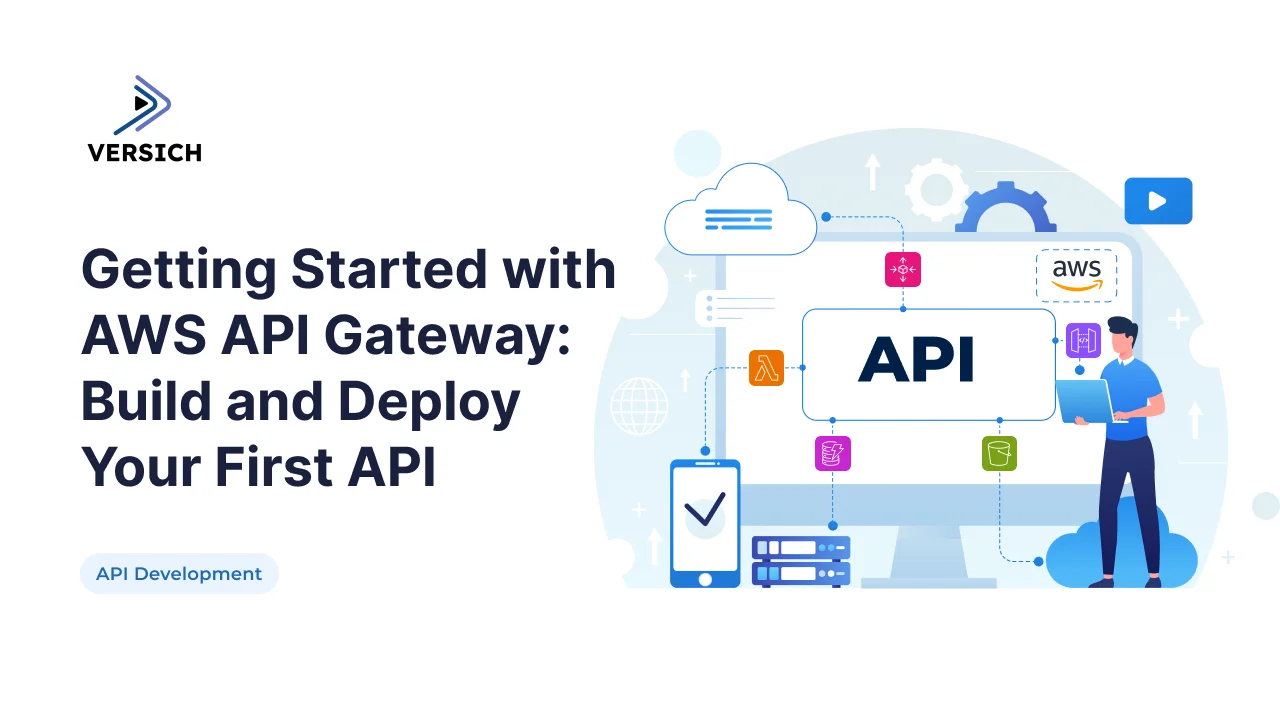
APIs are the backbone of digital transformation, but without a gateway, they can quickly become unmanageable. AWS API Gateway is the control plane for APIs in the cloud: it manages traffic, enforces security, scales automatically, and integrates seamlessly with other AWS services.
This blog is a deep dive into API Gateway itself. We’ll cover:
- The different types of APIs you can build (REST, HTTP, WebSocket).
- How to configure routes, methods, and integrations.
- Advanced features like throttling, caching, and custom authorizers.
- Deployment strategies with stages and CI/CD.
- Real world examples of API Gateway powering scalable applications.
Along the way, we’ll naturally connect to related practices like CI/CD pipelines and microservices with serverless APIs, showing how API Gateway fits into the bigger picture.
Understanding API Gateway Types
AWS API Gateway supports three types of APIs:
- REST APIs: Feature rich, support request/response transformations, caching, and usage plans.
- HTTP APIs: Lightweight, lower cost, faster performance, ideal for simple use cases.
- WebSocket APIs: Real time, bidirectional communication for chat apps, IoT, and live dashboards.
Choosing the right type depends on your use case. For example, finance APIs often rely on REST for compliance and monitoring, while real time apps lean on WebSockets.
Step 1: Define Routes and Methods
Routes map incoming requests to backend integrations.
- Resources:
/users,/orders,/payments. - Methods: GET, POST, PUT, DELETE.
- Path Parameters:
/users/{id}. - Query Strings:
/orders?status=pending.
Example: Define Route in HTTP API
aws apigatewayv2 create-route \
  --api-id  \
  --route-key "GET /users/{id}" \
  --target integrations/
Step 2: Integrations
API Gateway supports multiple backend integrations:
- Lambda Proxy Integration: Passes requests directly to Lambda.
- HTTP Integration: Connects to external services.
- AWS Service Integration: Directly invokes AWS services like DynamoDB or S3.
Example: Lambda Proxy Integration
aws apigateway put-integration \
  --rest-api-id  \
  --resource-id  \
  --http-method GET \
  --type AWS_PROXY \
  --integration-http-method POST \
  --uri arn:aws:apigateway:us-east-1:lambda:path/2015-03-31/functions//invocations
This passes the entire request to Lambda, letting the function handle parsing and response.
Example: HTTP Integration
aws apigatewayv2 create-integration \
  --api-id  \
  --integration-type HTTP \
  --integration-uri "https://example.com/external-service"
Useful for connecting API Gateway to external services or legacy APIs.
Step 3: Security Features
API Gateway provides multiple layers of security:
- IAM Policies: Restrict access to AWS users/roles.
- API Keys & Usage Plans: Control access and rate limits.
- Cognito Authorizers: Handle user authentication.
- Custom Authorizers: Validate JWTs or custom tokens.
Example: Custom Authorizer Lambda
exports.handler = async (event) => {
  const token = event.authorizationToken;
  if (token === "allow") {
    return {
      principalId: "user",
      policyDocument: {
        Version: "2012-10-17",
        Statement: [{
          Action: "execute-api:Invoke",
          Effect: "Allow",
          Resource: event.methodArn
        }]
      }
    };
  } else {
    throw new Error("Unauthorized");
  }
};
Security is especially critical for payment APIs, echoing lessons from finance APIs.
Step 4: Performance Optimization
API Gateway offers features to improve performance:
- Caching: Store responses to reduce backend load.
- Throttling: Prevent abuse by limiting requests per second.
- Request/Response Transformation: Modify payloads without changing backend code.
- Compression: Reduce payload size for faster delivery.
Example: Enable Caching
aws apigateway update-stage \
  --rest-api-id  \
  --stage-name prod \
  --patch-operations op=replace,path=/cacheClusterEnabled,value=true
Example: Enable Throttling
aws apigateway update-stage \
  --rest-api-id  \
  --stage-name prod \
  --patch-operations op=replace,path=/methodSettings/*/*/throttlingRateLimit,value=100
This limits requests to 100 per second, protecting backend services.
Step 5: Deployment Strategies
API Gateway supports multiple stages (dev, test, prod).
- Stage Variables: Configure environment specific settings.
- Canary Deployments: Gradually roll out changes.
- CI/CD Pipelines: Automate deployments with GitHub Actions or CodePipeline.
This ties directly to CI/CD pipelines accelerating API delivery.
Usage Plans & Monetization
API Gateway allows you to create usage plans:
- Quota Limits: Restrict requests per day/month.
- Rate Limits: Control requests per second.
- API Keys: Assign to specific clients.
This is useful for monetizing APIs or enforcing SLAs.
Custom Domain Names & SSL
You can map APIs to custom domains:
- Custom Domain: api.yourcompany.com.
- SSL Certificates: Use ACM to manage certificates.
- Base Path Mapping: Route traffic to specific stages.
Example: Create Custom Domain
aws apigateway create-domain-name \
  --domain-name api.yourcompany.com \
  --certificate-arn
Testing & Debugging APIs
Testing is critical before going live.
- Postman/Insomnia: Send requests to endpoints.
- CloudWatch Logs: Debug Lambda errors.
- Stage Variables: Test different environments.
- Mock Integrations: Validate API Gateway without backend.
Mock integrations are especially useful for early development, letting teams validate routes before backend services are ready.
Advanced Features Worth Exploring
- Usage Plans & Quotas: Monetize APIs or enforce limits.
- API Gateway + Step Functions: Orchestrate workflows.
- Private APIs: Restrict access within a VPC.
- Custom Domain Names: Map APIs to branded URLs.
- SDK Generation: Auto generate client SDKs for mobile/web apps.
Conclusion
Getting started with AWS API Gateway is about more than just creating endpoints, it’s about leveraging its full feature set to build APIs that are secure, scalable, and cost efficient. By combining API Gateway with Lambda, DynamoDB, and CloudWatch, developers can deliver APIs that adapt to demand, reduce costs, and inspire trust.
At Versich, we help organizations design and implement AWS based APIs tailored to their needs. Explore our API Development Services and AWS DevOps Services to see how we can help you build secure, scalable APIs on AWS.