Overview
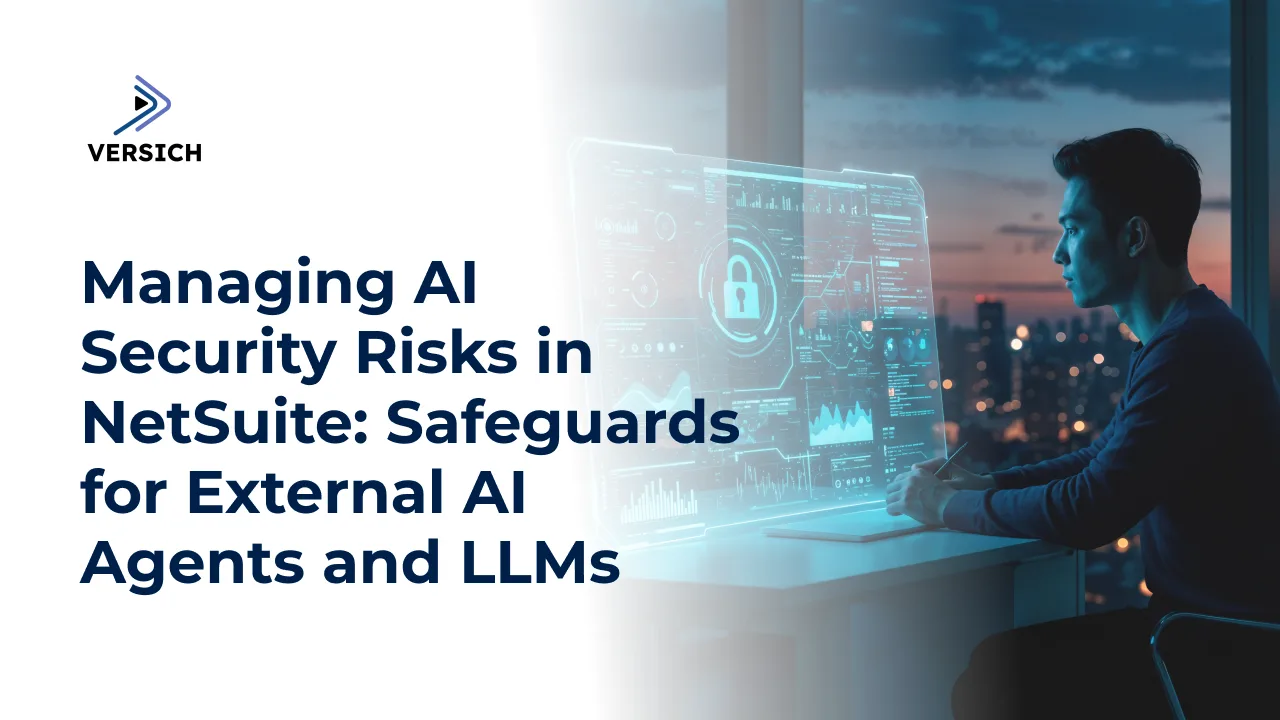
As organizations increasingly adopt AI-powered tools and Large Language Models (LLMs), managing security, compliance, and operational risks becomes critical. NetSuite provides a framework of technical safeguards designed to help organizations safely leverage external AI agents while maintaining control over data access and business processes.
This article explores the key risks associated with AI agents, the security controls available within NetSuite, and best practices for reducing potential vulnerabilities.
Understanding the Risks of AI Agents and LLMs
While AI technologies can improve productivity and automation, they also introduce several security and operational concerns that organizations should understand before deployment.
Prompt Injection Attacks
Prompt injection occurs when malicious instructions are embedded within content processed by an AI model. These hidden commands can manipulate the AI's behavior and potentially trigger unauthorized actions or expose sensitive business information.
AI Hallucinations
AI hallucinations occur when a model generates information that appears credible but is inaccurate, misleading, or entirely fabricated. Without proper validation, these responses can negatively impact business operations and decision-making.
Potential Business Impact
If not properly controlled, AI-related risks can result in:
- Unauthorized approvals or transactions
- Incorrect business decisions based on inaccurate outputs
- Accidental modification or deletion of data
- Exposure of confidential customer or company information
- Compliance and regulatory violations
NetSuite Security Controls for AI Agents
NetSuite includes multiple safeguards to help organizations securely adopt external AI agents and MCP (Model Context Protocol) tools.
Controlled Access Management
Access to MCP tools is not enabled by default. Administrators must explicitly grant permissions to users and roles authorized to interact with AI agents.
Role-Based Permission Enforcement
AI agents can only perform actions that the authorized user is permitted to execute. They cannot bypass existing NetSuite security controls or gain elevated privileges.
Restricted System Operations
To reduce risk, MCP tools cannot:
- Execute actions using elevated administrator roles
- Invoke restricted SuiteScript operations
- Send unauthorized HTTP requests to external websites
- Perform activities outside their approved permissions
Activity Logging and Audit Trails
All actions performed through MCP tools are logged within NetSuite, providing transparency, traceability, and accountability for AI-driven activities.
User Authorization Requirements
External AI agents must receive explicit user consent through OAuth 2.0 authorization before accessing NetSuite resources or performing actions on behalf of users.
Enabling External AI Agents in NetSuite
The use of external AI agents is disabled by default and requires administrator configuration.
For NetSuite Administrators
Before AI agents can be utilized:
- Assign MCP permissions to authorized users.
- Install and configure approved MCP tools.
- Define which actions external AI agents are permitted to perform.
- Monitor usage and regularly review permissions.
For End Users
Users must:
- Configure the approved external AI agent.
- Complete OAuth authorization.
- Grant access permissions where appropriate.
- Review and validate AI-generated actions before execution.
Best Practices for Risk Mitigation
Organizations can significantly reduce AI-related risks by implementing the following safeguards:
Use Trusted AI Platforms
Only connect NetSuite to reputable AI vendors and verified MCP tools that meet security and compliance standards.
Apply the Principle of Least Privilege
Limit MCP permissions to only the users who require them and avoid assigning access to highly privileged accounts whenever possible.
Restrict Tool Availability
Enable only the MCP tools necessary for specific business processes. Reducing the number of available tools minimizes the attack surface.
Educate Users
Provide training on AI-related risks, including prompt injection, hallucinations, and the importance of validating AI-generated recommendations before taking action.
Utilize Sandbox Environments
Test new AI integrations and workflows in sandbox environments before deploying them to production systems.
Conduct Regular Security Reviews
Review permissions, monitor activity logs, and assess AI usage regularly to ensure compliance with internal policies and evolving security requirements.
Compliance Considerations
Organizations operating in regulated industries should carefully evaluate how AI tools align with legal and compliance obligations. Additional scrutiny may be required when using AI within:
- Finance and accounting operations
- Human resources processes
- Healthcare environments
- Customer data management
- Regional data privacy frameworks
Compliance requirements may vary by jurisdiction, making governance and documentation essential for successful AI adoption.
Key Takeaways
- External AI agents and LLMs introduce risks such as prompt injection and hallucinations.
- NetSuite provides role-based security controls, activity logging, and permission restrictions to reduce these risks.
- MCP permissions must be carefully managed and granted only to authorized users.
- User awareness and training remain critical components of AI governance.
- Regular monitoring, permission reviews, and compliance assessments help ensure secure AI adoption within NetSuite.