Most operational problems don't appear out of nowhere. A backlog that spirals, a warehouse that runs short on a popular SKU, a support queue that quietly buries a customer all of these leave a trail in the data well before anyone notices the damage. The question is whether anyone's looking at the right numbers at the right time.
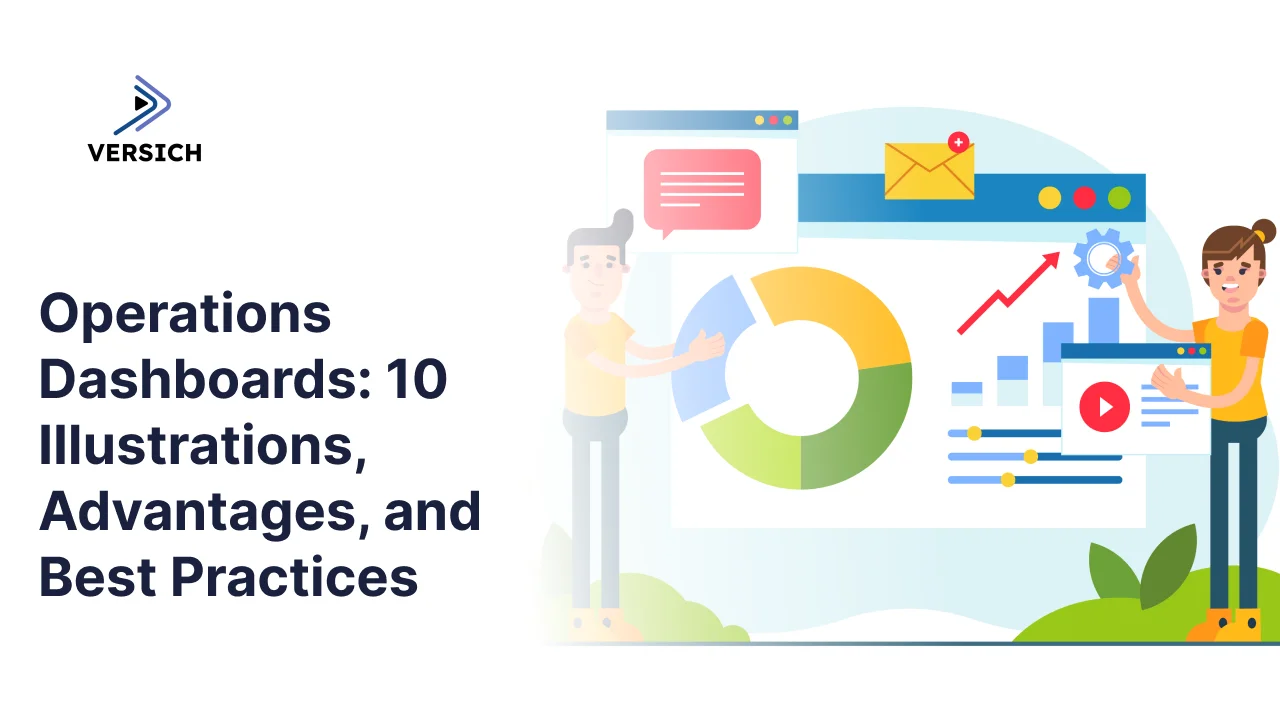
An operations dashboard is built to answer that question. It pulls data out of the systems already running a business ERPs, warehouse management systems, CRMs, helpdesk tools, workforce platforms and puts it in one place where a manager can see workloads, bottlenecks, and service levels without waiting for someone to build a report.
We've worked with more than 1,000 companies across manufacturing, warehousing, healthcare, customer service, supply chain, and IT, and the pattern holds across nearly all of them: the businesses that get the most out of their data aren't the ones with the most dashboards. They're the ones with a dashboard built around an actual operational problem.
This guide covers what an operations dashboard is, how it's different from the strategic and analytical dashboards sitting next to it in most BI tools, what makes one genuinely useful, ten real illustrations of operations dashboards at work, and a practical path for building one that earns its place instead of becoming another tab nobody opens.
What an Operations Dashboard Actually Is
An operations dashboard is a management tool built to track how a business is performing right now today, this shift, this hour. It takes scattered operational metrics and puts them into a single view that a team can actually read at a glance, so problems get caught while they're still small and cheap to fix.
The exact metrics shift by industry. A manufacturer watches backlogs and on-time delivery; a warehouse watches space utilization and pallet status; a contact center watches call volume and wait times. But the underlying job is always the same: surface what's happening across the business clearly enough that a manager can act on it immediately, not after next week's report lands.
Done well, an operations dashboard changes how a team allocates resources, sets priorities, and reacts to shifting conditions because the information that used to take a day to assemble is now sitting in front of them in real time.
Operational vs Strategic vs Analytics Dashboards
These three dashboard types tend to get lumped together, but they serve different audiences and answer different questions.
Operational dashboards are built for managers and team leads who need to know what's happening today. They run on real-time or near-real-time metrics inventory status, order backlogs, support queues, staff utilization, customer wait times and they exist to help someone catch a problem and act on it within the hour, not the quarter.
Strategic dashboards are built for executives and senior leadership tracking whether the business is moving in the right direction over months and years. They lean on indicators like profitability, retention, and market share rather than the granular, moment-to-moment metrics an operations team needs.
Analytical dashboards are built for analysts who want to dig into historical data, surface patterns nobody's spotted yet, and figure out why a number moved the way it did. They're investigative tools more than monitoring tools.
The distinction matters because trying to force one dashboard to serve all three audiences usually means it serves none of them well. An executive doesn't need shift-level ticket data, and a floor manager doesn't need a five-year retention trend line.
What Makes an Operational Dashboard Actually Work
Real-time data. The dashboard has to reflect what's happening now, not what happened yesterday. That immediacy is what lets a manager catch a problem while it's still small.
The right KPIs, not every KPI. The dashboard should surface the handful of metrics that actually drive decisions stock levels, order processing, staff activity, ticket queues, delivery performance rather than every number a system happens to track.
Alerts that mean something. Color changes, thresholds, and notifications should flag what needs attention immediately, instead of asking a manager to scan a wall of numbers looking for the one that's off.
Room to dig deeper. A good dashboard shows the headline number and lets a user drill into what's actually driving it which customer, which shift, which product so the response is based on the real cause, not a guess.
Built around the business, not the data source. The best dashboards are organized around how operations actually run, not around which system the data happens to live in. That's the difference between a dashboard that gets used daily and one that gets ignored after week two.
10 Operation Dashboard in Action
Operations dashboards take different shapes depending on what they're tracking, but the goal is consistent: support a specific operational process well enough that it changes what someone does that day. The ten illustrations below span the functions where we've seen dashboards make the clearest difference.
1. Manufacturing Operations Dashboard
A manufacturing operations dashboard gives production teams and managers a live read on backlogs, sales demand, and on-time delivery the three numbers that determine whether customer orders ship when they're supposed to.
Our Power BI consultants built one for a manufacturer of train and commercial vehicle parts, tracking backlog trends by month, customer, and product, then comparing those trends against average sales to isolate what's actually driving delivery delays. Building this kind of dashboard usually means pulling together production, sales, and ERP data into a single integrated source, which is where our data integration work comes in.
For management, the payoff is knowing exactly where to focus. Looking at backlog by customer shows who needs attention right now; looking at it by product makes delivery commitments something the team can actually stand behind, instead of a guess.
2. Warehouse Operations Dashboard
A warehouse operations dashboard tracks space utilization, incoming deliveries, and inventory placement the things that determine whether a warehouse runs smoothly or quietly starts running short on stock.
Our BI team built one for a distribution warehouse that monitors storage space, pallet status, and stock currently sitting on forklifts. It shows which storage areas are full, which are empty, which pallets are waiting, and exactly where specific items are located.
That visibility lets managers prioritize tasks and allocate labor before delays compound. Centralized, well-structured data underneath the dashboard the kind a proper data warehouse setup provides is what makes this level of detail possible in the first place.
3. Supply Chain Operations Dashboard
A supply chain operations dashboard gives inventory planning teams a clear view of what's in stock, what needs restocking, and where inventory health stands across the board.
We built one that shows current stock levels, required safety stock, and maximum capacity per product, with automated flags for items that need restocking and items that are sitting overstocked and ready for liquidation.
The result is a tighter balance between having enough stock and tying up too much cash in it. Real-time threshold monitoring sharpens replenishment planning and cuts down on the emergency orders that come from finding out too late.
4. Healthcare Operations Dashboard
A healthcare operations dashboard gives hospital and care facility managers a single view of staff performance, patient volume, and operational cost three things that are hard to manage well in isolation.
Ours tracks monthly overtime cost, separating overtime driven by patient demand from overtime driven by hospital-side factors, and breaks it down further by department, specialty, and employee.
That breakdown gives healthcare organizations a way to control labor costs without compromising patient care because once you know where overtime is actually coming from, you can rebalance workloads and staffing levels instead of just cutting hours and hoping.
5. Customer Service Operations Dashboard
A customer service operations dashboard is what contact center managers use to watch service levels, agent performance, call volume, and wait times in real time.
This kind of dashboard breaks down incoming call data by hour and by agent, tracking unanswered calls, response time, and overall volume to surface exactly when peak periods hit and which calls are slipping through.
With that visibility, managers can adjust staffing, refine call routing, and cut down on hang-ups reacting to a volume spike in real time instead of finding out about it in a weekly report.
6. IT Operations Dashboard
An IT operations dashboard gives IT leaders and service desk managers visibility into ticket volume, service performance, and overall support workload.
It aggregates ticket activity across service requests, incidents, and problems, pairing raw numbers with trend analysis so support demand becomes something the team can plan around instead of just react to.
The result is earlier detection of workload imbalances and a clearer read on the health of support operations which makes it easier to allocate resources, catch emerging issues, and report operational status to stakeholders without scrambling to pull numbers together.
7. Sales Operations Dashboard
A sales operations dashboard tracks pipeline health, quota attainment, and deal velocity across reps and territories, giving sales leaders a live view of where revenue is actually coming from.
A dashboard like this typically pulls from a CRM and combines it with finance data to show pipeline coverage against quota, average deal cycle time, and win rates broken down by rep, region, and product line.
That visibility lets sales leadership spot a stalling territory or an underperforming rep weeks before quarter-end, instead of finding out when the numbers are already locked in.
8. Finance Operations Dashboard (AR/AP)
A finance operations dashboard focused on accounts receivable and accounts payable gives finance teams a real-time view of cash flow health what's owed, what's overdue, and what's coming due.
This kind of dashboard tracks aging receivables by customer, upcoming payable obligations, days sales outstanding, and collection trends, usually pulled directly from the ERP or accounting platform rather than a static end-of-month export.
With that in view, finance teams can prioritize collections on the accounts that matter most and time payables to protect cash flow, instead of discovering a cash crunch after it's already underway.
9. Field Service Operations Dashboard
A field service operations dashboard tracks technician utilization, job completion rates, and response times for organizations running service crews out in the field.
It typically combines scheduling and dispatch data with job-level detail to show which technicians are overbooked, which jobs are running past SLA, and where first-time fix rates are slipping.
Service managers get a live read on capacity and performance, which makes it possible to rebalance assignments and protect response-time commitments before a customer ever notices a delay.
10. Logistics and Fleet Operations Dashboard
A logistics and fleet operations dashboard gives distribution and transportation teams visibility into delivery performance, vehicle utilization, and route efficiency.
This kind of dashboard pulls in telematics, dispatch, and order data to track on-time delivery rates, vehicle idle time, fuel cost trends, and route deviations across the fleet.
That visibility helps logistics managers catch underused vehicles, recurring late routes, and rising fuel costs early enough to actually do something about them, rather than absorbing the cost at month-end.
Why an Operations Dashboard Is Worth Building
Operational problems rarely show up out of nowhere. Order delays, stock shortages, staffing gaps, and slipping service quality almost always leave early signals in the data before they turn into something customers notice. An operations dashboard is what lets a manager catch those signals while there's still time to act.
The value goes beyond catching problems early. Clear visibility into current workloads, inventory, staff utilization, and overall capacity also means resources get directed where they're actually needed, which improves efficiency and team performance even when nothing's going wrong.
Faster decisions follow naturally. There's no more digging through spreadsheets or waiting on a manually assembled report the numbers a manager needs are already sitting in one place, which speeds up everything from daily prioritization to reacting when conditions shift. Many organizations get there through an ongoing BI partnership that handles dashboard development, reporting, and analytics support continuously rather than as a one-off project.
As a business grows, the operational picture only gets more complicated. An operations dashboard is what keeps that complexity from turning into a loss of control it's the clarity that lets a growing team stay efficient and accountable instead of just busier.
Building a Dashboard That Actually Gets Used
Start with the problem, not the data. The operations dashboards that actually get used are built around a specific business challenge getting orders out on time, fixing a staffing imbalance rather than built to showcase whatever data happens to be available. Define the objective first, then build toward it.
Pick the metrics that matter, not all of them
Cramming every available metric onto a dashboard makes it harder to use, not more useful. The better approach is choosing a small set of KPIs that genuinely drive operational decisions, ideally with input from people who understand both the data and the process it's measuring.
Let people dig into the data, not just see it
A dashboard that only shows a list of problems isn't doing its job. Users need to be able to filter, drill down, and find out what's actually behind a number that's what turns a dashboard into a problem-solving tool instead of a status report.
Design it for the people using it
A dashboard built for an operations manager shouldn't look like a generic template. It should show the information that role actually needs, organized the way that role actually thinks about the work.
Plan for it to keep changing
The business underneath the dashboard won't stay still. New systems, shifting priorities, and changing processes all mean the dashboard needs regular revisiting not a one-time build that's left untouched for the next three years.
Multi-Location Operations Bring Their Own Problems
Running operations across multiple locations adds a layer of difficulty that a single-site business doesn't have to deal with. Different teams, different systems, different processes all running in parallel make it genuinely hard to keep things consistent or catch problems before they spread.
Visibility is usually the first thing to break down. Getting a comprehensive view across locations is hard enough that many managers struggle to compare performance or spot which site needs help before customers notice. An operations dashboard fixes this by pulling everything into one place instead of leaving managers to compare five separate reports by hand.
Data consistency is the second problem. When each location defines or reports metrics slightly differently, comparing performance across sites becomes unreliable. Standardizing the dashboard and the definitions behind it is what lets every location actually be measured against the same yardstick.
Accountability gets easier once visibility and consistency are in place. A shared dashboard makes it obvious which locations are performing well and which need support, which makes it far easier to spread what's working at the strong sites to the ones that are struggling.
Choosing a Dashboard Platform
The right platform depends on what you're reporting, where the data lives, and who's actually going to use it. What works well for an executive team rarely works as well for operational reporting, where real-time access and granular performance tracking matter much more.
Integration capability should be the first thing evaluated. Operational dashboards typically pull from a mix of ERPs, CRMs, warehouse systems, HR platforms, helpdesk tools, and databases and a platform that connects cleanly to all of that saves a business from falling back on manual reporting and the data-quality problems that come with it.
Power BI, Tableau, and Looker Studio are the three most common choices. Power BI is generally favored for its tight integration with Microsoft tools, scalability, and strong data modeling. Tableau tends to win on visual polish and more advanced ad-hoc analysis. Looker Studio is the simplest of the three to stand up, especially for businesses already running on Google's ecosystem.
Beyond the headline features, it's worth weighing refresh frequency, security, access controls, mobile usability, and how steep the learning curve actually is for the people who'll use it daily. The best platform isn't the one with the longest feature list it's the one that fits how the business actually operates.
Before committing to a platform, it's worth spending real time defining goals, reporting workflows, who the users are, and what data actually needs to be in front of them. That groundwork is what makes the eventual platform choice hold up instead of needing a redo six months in.
Where to Start
Whether the goal is a clearer view into a factory floor, a warehouse, a contact center, a hospital, a supply chain, or an IT help desk, the right dashboard changes how a team works not by adding another screen to check, but by pulling scattered operational data into one place a manager can actually act on.
Versich builds operations dashboards across these functions and more, starting with the operational problem that actually needs solving rather than the data that happens to be sitting around.