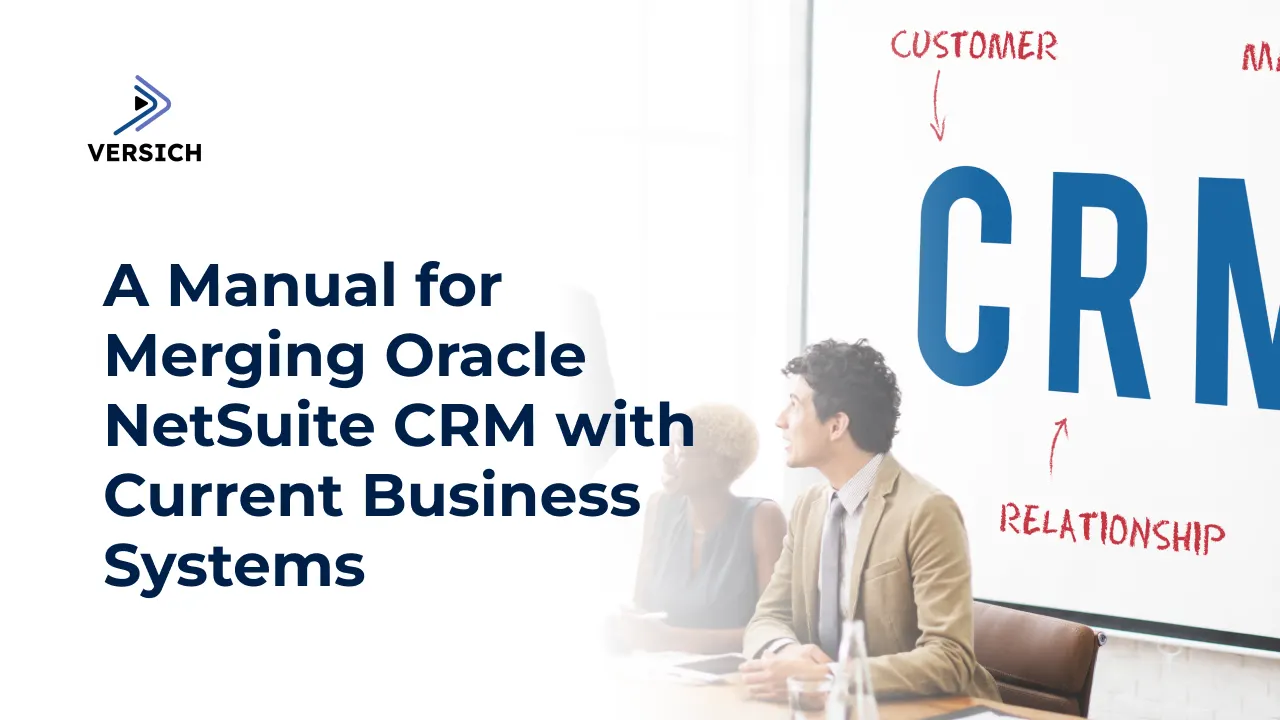
Did you realize that companies utilizing CRM software can see a 29% uplift in sales and a 34% increase in productivity? The Oracle NetSuite Customer Relationship Management (CRM) platform is a dynamic transformation tool, offering a consolidated system to manage interactions with customers, partners, and suppliers. By incorporating sales automation, customer service, marketing, and revenue management features, the platform achieves outstanding CRM functionality. This article explores the critical features of Oracle NetSuite CRM while demonstrating how companies can capitalize on its advantages through structured implementation.
Top 8 Features of Oracle NetSuite CRM
NetSuite CRM provides essential functionalities that enable businesses to strengthen customer relationships and automate processes while enhancing sales and marketing performance.
1. Contact Management
The platform consolidates customer data and interaction details into a single, centralized repository, ensuring accuracy. Sales teams utilize the system for tailored offering suggestions, while marketing departments leverage it for targeted promotional campaigns.
2. Interaction Tracking
The organization captures every interaction between customers and representatives across various communication channels to maintain consistent service. Sales engagement tracking allows customer service to address issues more proficiently, while marketing fine-tunes its strategies based on analytical insights.
3. Email Integration
An automated system tracks engagement by connecting with external email services that handle follow-up actions. Businesses can improve lead conversion success using templates and nurturing leads through personalized communication initiatives.
4. Document Management
The platform stores all customer documentation, including contracts and proposals, significantly enhancing accessibility. This facilitates quicker transaction completions by the sales team while enabling support staff to resolve issues more swiftly, reducing error occurrences.
5. Workflow Automation
Repetitive tasks are automated to increase efficiency. By streamlining duties in marketing, sales follow-ups, and billing processes, teams can focus on more crucial, high-impact projects.
6. Lead Management
The system tracks and assesses leads for optimal retention. The sales team prioritizes leads based on marketing evaluations, which aids both areas in boosting conversions.
7. Campaign Management
Sales and marketing campaigns are automated to expand the customer base. Businesses implement specific customer segmentation techniques to execute real-time promotional efforts that yield better returns on investment.
8. Reporting and Analytics
The system offers instantaneous access to data regarding sales activities, marketing, and customer service processes. Organizations use data-driven strategies to enhance operational performance and strengthen customer relationships.
Oracle NetSuite CRM Integration: What Approach is Ideal for You?
In-House Integration
Companies with robust IT departments can manage the NetSuite CRM integration internally. This autonomy over CRM operations allows internal teams to reduce costs and implement tailored configurations. However, the main challenges may arise from technical issues if staff lack adequate training on NetSuite, possibly resulting in delays.
NetSuite Direct Integration
By directly collaborating with NetSuite, users can access professional integration services that help minimize errors and customize the CRM system to align with their requirements. NetSuite provides comprehensive training resources and support services. This implementation route may involve substantial costs and could necessitate system downtime, demanding careful planning to limit operational disruptions.
Third-Party Partner Integration
Integrating with Versich, a certified third-party partner, offers specialized industry insights and certified expertise. These partners assist businesses in executing NetSuite CRM with fewer integration complications while mitigating potential risks and enhancing system capabilities. Working with a NetSuite-certified provider ensures reliable and effective services, although typically at a higher cost than developing the solution in-house.
8 Steps to Connect NetSuite CRM with Your Existing Business Systems
Integrating Oracle NetSuite CRM with established business systems requires thorough planning to enable smooth data transfers and synchronized system processes. The following step-by-step guide outlines the procedure for linking NetSuite CRM with your current business frameworks.
Step 1: Initial Configuration & System Evaluation
Before commencing the integration process, evaluate your existing business systems, including ERP solutions, customer support tools, and third-party applications. Identify the data flow, integration points, and potential obstacles. Integrate NetSuite CRM into standard workflows using customized fields, workflow setups, and role definitions.
Step 2: Selecting the Appropriate Integration Method
Choosing the right NetSuite CRM integration approach is critical for operational efficiency. Businesses may opt for:
- Native NetSuite Connectors: Built-in NetSuite connectors provide analysts with access to various third-party business applications.
- Middleware Integration: Platforms like Dell Boomi, Celigo, or MuleSoft can connect multiple systems.
- Custom APIs: Develop tailored integrations using NetSuite’s SuiteTalk (SOAP and REST) APIs.
- iPaaS (Integration Platform as a Service): Cloud-based solutions facilitate real-time data synchronization, linking NetSuite CRM with different applications.
Step 3: Data Mapping and Migration
Data migration involves defining clear field correspondences between NetSuite CRM and all operational platforms in use. This mapping process encompasses all customer data, sales figures, lead tracking, order histories, and support ticket logs. Ensure the data is validated and cleaned to discard duplicates and errors before moving it into NetSuite CRM.
Step 4: Implementing Change Management Strategies
Integration may disrupt employee workflows, necessitating a robust change management strategy. Utilize phased rollouts, pilot testing, or sandbox environments to reduce interruptions. Involve stakeholders early to identify and resolve potential adoption challenges in advance.
Step 5: Training and User Onboarding
To fully utilize the functionalities of the NetSuite CRM system, comprehensive user training is essential. Conduct training sessions focusing on system navigation, optimal data entry practices, reporting, and integration features. Encourage users to utilize NetSuite's training modules or work with their implementation partner to create tailored training for each user group.
Step 6: Testing and Validation
Prior to going live, carry out thorough testing to confirm that the integration performs as intended. Conduct:
- Unit Testing: Verifying the functionality of individual components.
- Integration Testing: Ensuring accurate data flow between systems.
- User Acceptance Testing (UAT): Confirming that the system aligns with business needs. Address any inconsistencies or performance issues before final launch.
Step 7: Go Live and Continuous Monitoring
After successful testing, launch the NetSuite CRM system. The implementation team should communicate the launch date to all parties involved and be on hand to address system issues immediately. Employ real-time monitoring tools to observe system integration and performance metrics.
Step 8: Post-Implementation Support and Optimization
Post-launch, integration requires ongoing improvement. Establish a support framework with your implementation partner to address any system challenges that arise. Conduct regular performance evaluations and gather user feedback for optimal integrations that enhance efficiency.
Top 5 Challenges of a NetSuite CRM Integration
Integrating NetSuite CRM with existing business systems offers numerous advantages but requires careful preparation to navigate inherent challenges:
Data Migration Complexities
Maintaining data integrity relies on meticulous data cleaning, accurate mapping, and ensuring data correctness during migration activities. Errors in data processing can lead to operational inefficiencies and poor reporting outcomes.
Budget and Cost Overruns
The extensive customization options of NetSuite CRM implementation and integration, while beneficial, can result in unforeseen expenditures. Customizing the system to align with unique business processes can inflate integration and implementation costs.
Technical Integration Issues
Achieving smooth interoperability of NetSuite CRM with third-party applications demands sophisticated integration efforts. Organizations may face challenges due to NetSuite's varied system architectures and limited APIs, complicating connections with external applications.
User Adoption and Training
Effective integration of NetSuite CRM relies on both understanding and user proficiency with the software. Inadequate training can lead to employee resistance and user errors, hampering system acceptance.
Project Timeline Management
Managing integration timelines can be complicated when unexpected issues emerge. Delays may occur due to scope alterations, technical challenges, and data migration difficulties, impacting both the budget and the project schedule.
Conclusion
When NetSuite CRM is integrated efficiently, it fosters business growth through unified customer engagement, task automation, and improved operational effectiveness. Each digital transformation endeavor necessitates the right partner for optimal success. Versich offers specialized NetSuite integration services that deliver tailored solutions to meet each business's unique demands. With expert guidance, businesses can tap into the full potential of NetSuite CRM, achieving market agility and scalable growth for enduring success.