Introduction
QuickBooks Online (QBO), paired with Power BI represent two of the most popular cloud solutions that can collaboratively offer transformative insights into the finances and operations of small businesses.
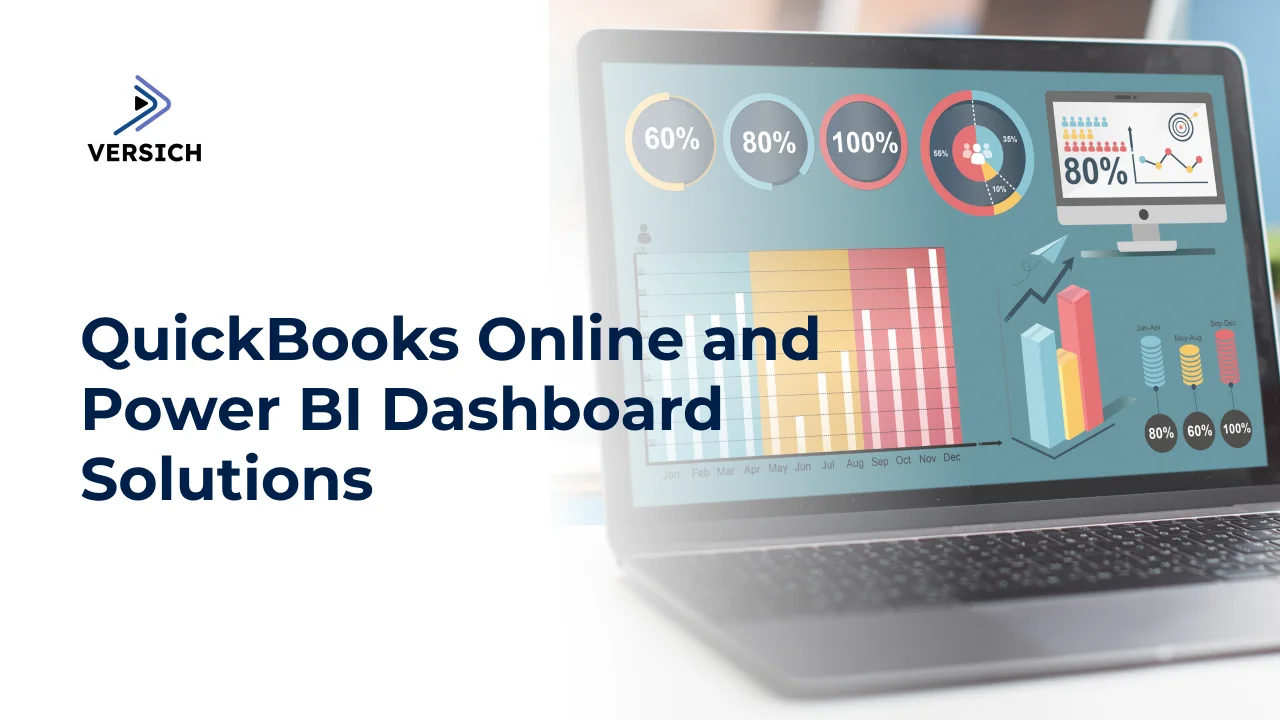
By integrating QuickBooks Online Power BI Dashboards, you gain a more comprehensive view of your financial records through visually appealing reports.
QBO stands out as the leading accounting software for small businesses, utilized by millions globally to track income, expenses, payroll, inventory, and more in the cloud. On the other hand, Power BI is Microsoft's data visualization platform designed to generate interactive reports and dashboards for quicker, informed decision-making.
Linking your QuickBooks Online data with Power BI provides finance managers, accountants, and business owners with a complete analytical perspective of their organization’s performance through rich, real-time reports and dashboards.
Here are ten essential insights about the synergy between QuickBooks Online and Power BI in reshaping business analytics:
1. Automated Data Connectivity between QuickBooks Online and Power BI
A crucial aspect to grasp is that Intuit (the creators of QuickBooks) has developed a certified QBO Data Connector, which facilitates easily importing data from your QuickBooks Online account into Power BI with minimal effort. This self-service connector enables automated daily updates for your data.
This pre-built integration removes the need for any manual input, coding, or custom development. Once set up correctly, the connector automatically imports your QBO data, encompassing invoices, bills, account balances, projects, profit and loss statements, account transactions, and more, into Power BI based on a schedule. This ensures that your reports and dashboards always display the most current information from QuickBooks Online, allowing you to make financial decisions using real-time and accurate data.
You will also have access to both current period QBO data and historical data, enabling comprehensive trend analysis and forecasting. Overall, this connector provides a straightforward yet powerful connection between the two systems, saving significant IT efforts in linking various cloud applications.
2. Intuitive Drag-and-Drop Reporting for Business Users
A significant advantage is that once your QuickBooks Online data is accessible within Power BI, you can utilize its user-friendly drag-and-drop report builder to create interactive dashboards and reports. The simple click-and-configure interface enables even novices to generate rich visualizations that highlight key metrics, KPIs, trends, and insights without needing any technical skills.
No knowledge of coding languages such as SQL or Python is required. With just a few drag-and-drop movements, you can display essential figures such as gross margins, net profits, revenues, and expenses for various business units, products, campaigns, or regions, segmented by time frames. The dynamic reports update automatically, providing real-time insights derived from your financial data in QBO.
3. Always Real-time Insights into Business Performance
Since the connector allows for daily automatic updates from QuickBooks Online to Power BI, it guarantees that the dashboards, graphs, and metrics always reflect the latest data instead of fixed snapshots. QBO functions as the primary source of truth for all transactional data, which is a key reason many organizations choose to integrate QuickBooks Online with Power BI.
As transactions are recorded or expenses are paid in QuickBooks, the Power BI visualizations refresh automatically with the latest figures. This real-time reporting facilitates the quick detection of fluctuations in KPIs, enabling faster corrective measures across planning, costs, collections, and more. Gone are the days of relying on backward-looking reports. The streamlined data integration between QBO and Power BI supports proactive, data-driven decision-making.
4. Highly Flexible and Customizable Visualizations
Once your QuickBooks data is in Power BI, you'll gain access to a vast array of visualization types-P&L charts, bar graphs, line charts, doughnut charts, tree maps, pie charts, scatter plots, gauges, cards, KPIs, and maps, among others.
Each of these visuals can be tailored and formatted in various ways to meet diverse reporting and stakeholder needs, utilizing straightforward drag-and-drop and point-and-click options. Simply importing filtered QBO data into Power BI results in automatically updated and interactive reports, contrasting sharply with traditional Excel methods. However, the flexibility in visualization leads to even more impactful analyses.
For example, you might illustrate revenue trends over a year using an area chart, showcase profits by region in a color-coded map, compare actual versus budgeted figures in a variance bar chart, or depict website traffic in a tree map, among other possibilities. With numerous visualization choices, nearly every metric can be converted into meaningful graphics and insights tailored to different informational requirements.
5. Interactive Drill-Down Analysis Uncovering Granular Insights
Unlike static PDF reports, Power BI reports, and dashboards derived from QuickBooks Online data offer interactive analytical capabilities. Report viewers within your organization can explore charts and visuals to reveal detailed insights.
For instance, clicking on a specific area in a profits map may display individual orders, while selecting a particular week in a sales trend chart can reveal sales by product line. Filtering expense categories can highlight the largest purchases; options are virtually limitless.
Stakeholders can also leave comments and annotate sections of reports to pose questions or emphasize issues for group discussion and decision-making. The interactive ability to drill deeper into the most recent QBO transactions, combined with threaded conversations, enables focused performance monitoring and problem-solving with current data.
6. Secure and Controlled Anytime, Anywhere Access
A significant benefit of cloud-based solutions like QBO and Power BI is that reports and dashboards can be securely accessed around the clock on any device. Finance managers can track the latest KPIs anytime and anywhere, using iOS and Android devices instead of being confined to desktop browsers.
QuickBooks Online operates as the backend cloud data source, while Power BI dashboards serve as the window into current performance. Granular access controls ensure that confidential figures and reports are shared only with authorized stakeholders according to the business hierarchy and roles.
Selective sharing also allows regional managers to access custom reports, such as POS and inventory metrics for the stores they manage, without exposing them to organization-wide data. Role- and rule-based access guarantees that the right individuals can access the appropriate reports, fostering localized decision-making.
7. Actionable Alerts based on QuickBooks Data
Another highly beneficial feature is Power BI’s alerting capability, which enables you to set data rules on metrics that automatically trigger email or mobile notifications to responsible parties if certain KPI thresholds are breached or fall below expected levels.
For instance, alerts for inventory levels dropping below safety stock can notify logistics managers for timely replenishment. Notifications for advertising expenses exceeding budgets can inform the Chief Marketing Officer, while overdue payments alert collections teams, and overdue purchase invoices notify procurement.
Since data flows daily from QuickBooks Online, alerts help you proactively address potential financial risks such as cash shortages, budget overruns, or compliance challenges. Notifications based on the latest QBO figures ensure that you remain covered in real time through event- or time-based rules.
8. Export and Share Visualizations beyond the Power BI Interface
While Power BI offers an impressive interface for interacting with its dynamic dashboards, another useful aspect is that the underlying QBO reports and visualizations can also be exported in various formats. After creating the dashboard via QuickBooks Online Power BI Dashboard integration, exporting data becomes straightforward.
Finance managers needing static snapshots can extract reports as PDFs, PowerPoint presentations, or even Excel spreadsheets for distribution via email and file servers, useful for audit documentation, annual filings, or investor presentations. Visualizations can also be easily embedded or shared via links with teams using messaging tools like Teams or Slack, utilizing Power BI apps.
This option for sharing information beyond the core Power BI interface is particularly beneficial for operational teams lacking direct Power BI access or for field agents needing simplified data for task coordination. The available export formats enhance information accessibility.
9. Embed Analytics into Business Applications
Building on the idea of shareability, Power BI simplifies the embedding of frequently used visuals and charts derived from QuickBooks Online data directly into other SaaS web applications. This feature is advantageous for personnel beyond finance teams requiring insights for improved decision-making.
For instance, integrating key revenue metrics in CRMs provides sales personnel with visibility into historical trends with clients before significant deals. Including insights like customer lifetime value, churn risk, and acquisition costs motivates front-office personnel to better manage relationships and campaigns.
Moreover, customer support teams can leverage data layers to monitor service ticket trends or common technical issues, thus enhancing resolution processes, while product teams can incorporate real-time adoption analytics to prioritize feature enhancements. The ability to embed BI functionalities extends data insights beyond finance.
10. Value for Money Cloud BI Stack
Lastly, employing both QuickBooks Online and Power BI in tandem presents a highly affordable and valuable BI solution for small businesses. Intuit QuickBooks Online offers tiered pricing starting as low as $25 per month, while Power BI features a free plan along with a Pro version priced at $9.99 per user per month. Together, these result in only $35 monthly for self-service, enterprise-grade reporting.
On one side, QBO delivers dependable cloud data you can trust, and on the other side, Power BI provides customizable dashboards that convert operational metrics into interactive insights, aiding in daily decision-making, planning, and strategic initiatives. Collectively, this stack supplies state-of-the-art BI capabilities at a budget-friendly cost for small to medium-sized businesses.
Conclusion
The integration of QuickBooks Online and Microsoft Power BI establishes a robust cloud analytics framework for contemporary data-driven organizations. While QBO offers scalable financial data management, Power BI enhances visual intelligence, producing clear and easily interpretable reports that optimize decision-making across various business functions.
With seamless connectivity, automatic data updates, and customizable visualizations, finance and other managers can exploit these SaaS resources to enhance business planning, forecasting, performance management, and predictive modeling grounded in empirical data. If analytics plays a crucial role in your small business’s success, exploring this integration further is a valuable step.