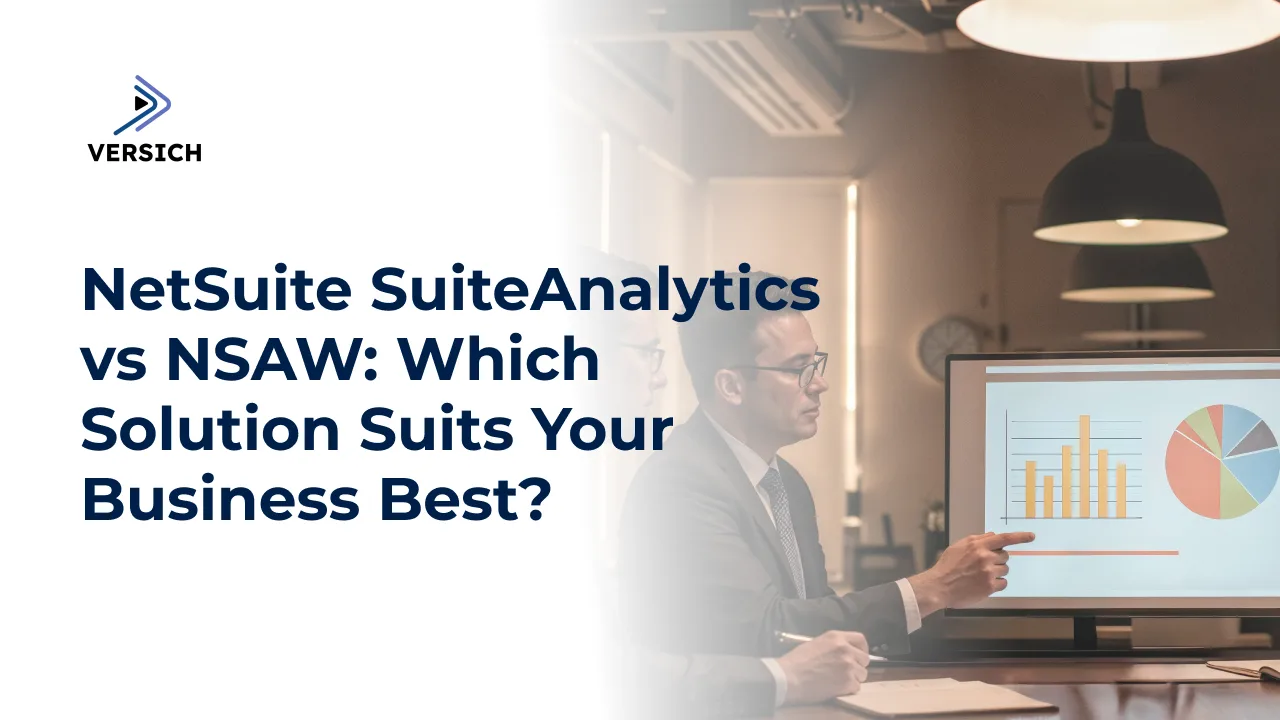
Are you having difficulty extracting actionable insights from your growing business data? Selecting the right NetSuite analytics tool can significantly enhance decision-making speed and effectiveness. As businesses’ data demands evolve, the correct analytical solution is vital for facilitating informed decisions. Indeed, careful selection of the analytics tool is essential to meet requirements like real-time data access and managing extensive and various data sources. When analyzing business data within NetSuite, users often weigh their options between NetSuite SuiteAnalytics and NetSuite Analytics Warehouse (NSAW). Both tools offer strong reporting capabilities, but they cater to different business requirements.
In this article, we will outline the fundamental distinctions between SuiteAnalytics and NSAW to assist you in selecting the solution that aligns with your organization's data strategy today and for the future.
NetSuite SuiteAnalytics
NetSuite SuiteAnalytics is the native reporting and analytical tool included with your NetSuite system. This tool grants users immediate access to NetSuite data via dashboards and reports using saved searches. Additionally, it enables users to generate reports without necessitating technical training due to its user-friendly interface. Moreover, SuiteAnalytics facilitates quick organization of NetSuite information, boosting business decision-making and performance monitoring without relying on IT or developers.
NetSuite Analytics Warehouse
NetSuite Analytics Warehouse (NSAW) delivers advanced cloud analytics capabilities for businesses that require more than basic reporting from NetSuite. NSAW amalgamates NetSuite data with CSV files and data from various business systems, presenting them on a unified platform. This system employs Oracle Analytics Cloud technology, offering advanced tools with features like predictive analytics and machine learning capabilities. It suits organizations needing to integrate multiple data sources and generate comprehensive strategic insights across different departments and processes.
NetSuite SuiteAnalytics vs NetSuite Analytics Warehouse
SuiteAnalytics is suitable for straightforward, real-time reporting within NetSuite. In contrast, Analytics Warehouse excels in handling advanced, large-scale data analyses across multiple systems. Below are the crucial differences between SuiteAnalytics and NSAW across different dimensions:
1. Implementation
SuiteAnalytics is readily available right out of the box, as it is fully integrated into the NetSuite system. Therefore, no separate setup or installation is required. Conversely, NSAW functions as an add-on solution that necessitates an implementation timeframe of around 2 to 6 weeks. This period involves establishing data connections, configuring user permissions, and integrating systems, which adds complexity but results in enhanced power in the long run.
2. User Interface
SuiteAnalytics features a simple and intuitive interface that seamlessly integrates into NetSuite. It empowers users to create dashboards and reports with minimal training. In contrast, NSAW boasts an advanced user interface that accommodates more complex analyses. It can link to multiple NetSuite accounts and external data sources. However, its more sophisticated functionality may require some training for users to maximize its powerful analytical capabilities.
3. Data Sources
SuiteAnalytics exclusively utilizes NetSuite data, making it ideal for operational reporting and daily management tasks. This makes it an excellent fit for businesses that primarily depend on NetSuite for their operations. Conversely, NSAW is designed to accommodate multiple data sources simultaneously, enabling it to ingest information from NetSuite, CSV files, other ERP systems, and databases. This makes it a more suitable option for companies requiring a holistic view of their business data, including integration with NetSuite Warehouse Management.
4. Performance
SuiteAnalytics is optimized for quick, everyday operational reporting. It provides users with real-time or near-real-time access to their NetSuite data. However, it might encounter limitations when tasked with very large datasets or complex reports. NSAW, on the other hand, is engineered for performance at scale. It can manage vast quantities of data and is better equipped for intricate, strategic analyses that necessitate extensive processing power.
5. Machine Learning
SuiteAnalytics emphasizes fundamental reporting and trend analysis capabilities without offering AI or machine learning features. This keeps it user-friendly but restricts its predictive abilities. In contrast, NSAW includes built-in machine learning functions through Oracle Analytics Cloud, facilitating businesses in utilizing predictive analytics to discover patterns, anticipate future results, and make more strategic, data-driven decisions.
6. Customization
With SuiteAnalytics, users can modify reports, dashboards, and saved searches through NetSuite’s integrated tools. This straightforward adaptability allows for basic report modifications that align with specific requirements. Meanwhile, NSAW offers a wider array of customization options. Users can develop entirely new data models and create integration pipelines to generate specialized dashboards tailored to different departmental and user group needs. Consequently, businesses gain flexibility in their analytics design choices to meet their specific requirements.
7. Cost
As SuiteAnalytics comes included in the standard NetSuite package, businesses can utilize it without incurring additional costs. This presents an attractive option for companies seeking built-in analytics without significant investment. In contrast, NSAW incurs a separate expense based on the chosen package-Standard, Premium, or Enterprise-each offering different tiers of storage, users, and features and thus requiring additional budget considerations.
8. Scalability
SuiteAnalytics is ideal for organizations primarily using NetSuite with simpler reporting needs. While well-suited for operational reporting, it may face challenges if additional data systems are introduced later. NSAW, on the other hand, is highly scalable and designed to support businesses as they grow. It can accommodate increasingly large volumes of data, integrate various sources, and provide support for more users and advanced analytics as a company’s data requirements expand.
9. Security
SuiteAnalytics adheres to NetSuite’s built-in security framework, which includes role-based access control, ensuring users can only access information they are permitted. In contrast, NSAW offers more granular security options. Businesses can create customized security guidelines across various data sources and manage user permissions at detailed levels, providing greater adaptability for organizations with intricate security needs.
10. Collaboration
SuiteAnalytics facilitates simple sharing of dashboards and reports among fellow NetSuite users, making it effective for internal collaboration within the NetSuite ecosystem. NSAW enhances collaboration further by supporting integrations with external Business Intelligence (BI) tools like Tableau and Power BI. This capability enables teams to share analytics across varied departments and tools, enhancing versatility for larger organizations.
11. Updates
SuiteAnalytics is automatically updated with regular NetSuite system updates. Users need not worry about independent maintenance or patch management, as it remains current effortlessly. Conversely, NSAW demands its own updates and maintenance schedules. Although Oracle handles much of the technical workload, businesses must monitor independent updates to ensure their system remains aligned with evolving data requirements.
12. Reporting Speed
SuiteAnalytics delivers real-time or almost real-time reporting by being fully connected to NetSuite’s live environment. This feature is beneficial for organizations requiring immediate responses and daily operational insights. However, NSAW processes data in batches. While this may lead to reports not being updated instantly, it facilitates deeper historical analysis and manages larger data volumes without a decrease in performance.
Which NetSuite Analytics Tool is Superior?
Choosing the optimal NetSuite analytics tool is contingent on your business needs. SuiteAnalytics is well-suited for small to medium-sized enterprises requiring internal reporting and analytics within NetSuite. It is easy to utilize, integrated into NetSuite, and does not necessitate any additional setup or costs. Conversely, NSAW is a more fitting option for larger businesses dealing with intricate data from various platforms. It offers more powerful analytical capabilities, accommodates big data, and leverages AI for deeper insights.
Various other factors must also be evaluated, such as budget considerations, as SuiteAnalytics is integrated with NetSuite, while NSAW incurs additional costs. Technical skill requirements should also be taken into account. SuiteAnalytics is beginner-friendly, whereas NSAW may require more advanced technical expertise.
Additionally, consider whether you wish to consolidate data from other platforms; NSAW is suited for such scenarios. Conversely, if your needs are confined to real-time operational reports, SuiteAnalytics suffices. Should you need to combine historical and external data for detailed analysis, NSAW provides a better fit.
Ultimately, there is no universal solution for everyone. Your decision should reflect your current business needs and future aspirations. Some organizations may start with SuiteAnalytics and transition to NSAW as their requirements evolve and grow more complex.
Conclusion
NetSuite SuiteAnalytics and NetSuite Analytics Warehouse (NSAW) are valuable tools designed to cater to varying needs, providing a range of reporting and analytical functionalities. When choosing between them, businesses must contemplate their operational scale, data complexity, and future growth strategies. SuiteAnalytics is advisable for small enterprises seeking user-friendly operations and optimal efficiency, while NSAW offers the scalable flexibility necessary for businesses managing extensive, intricate datasets. Regardless of your choice, leveraging informed expertise will maximize your NetSuite investment.