Understanding the Automation of Budgeting Tasks
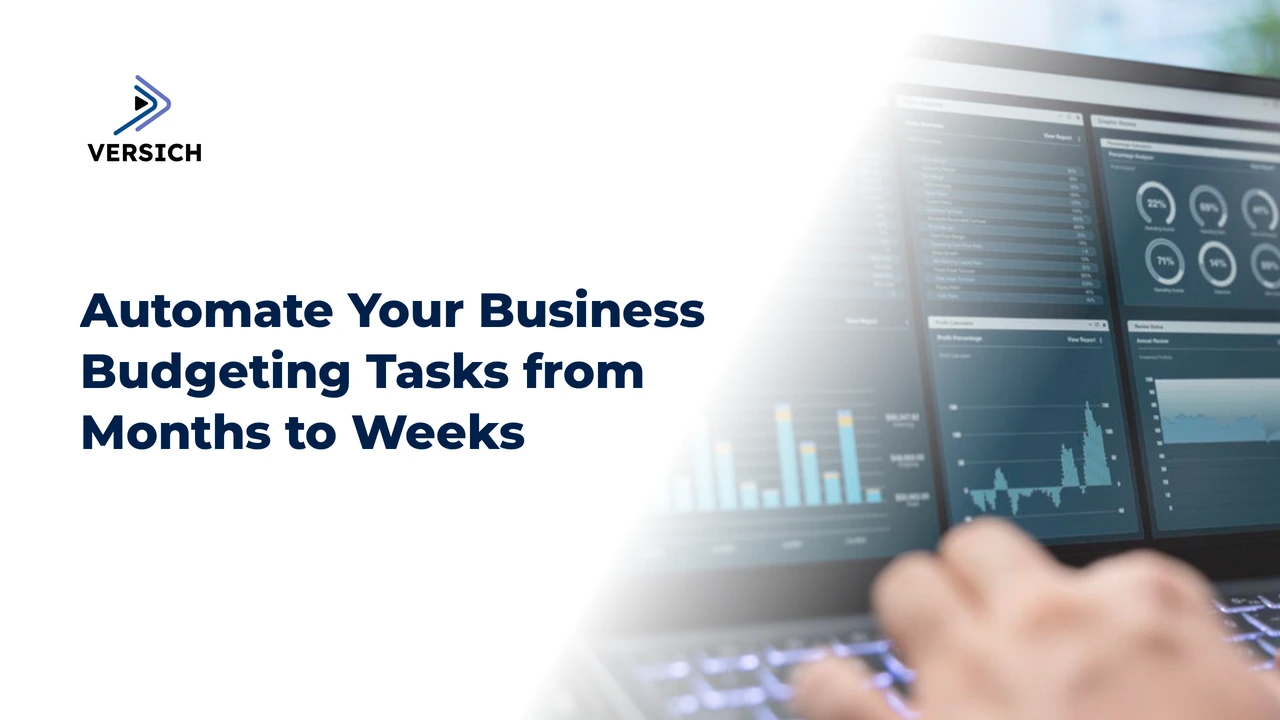
Efficient budgeting processes are crucial for any organization. They ensure that resources are allocated properly, financial goals are met, and future planning is accurate. Traditional budgeting can take months to complete. The encouraging part is that by automating these tasks, companies can significantly cut down on time, transforming budgeting into a simpler process that can be completed in weeks.
How Automation Cuts Budgeting Time from Months to Weeks
When organizations opt for automation in their budgeting approach, they can produce budgets within weeks rather than months, simplifying what used to be a lengthy task through the use of mobile applications.
Streamlined Data Collection
An automated budgeting framework connects various data sources, like accounting software and ERP systems. This integration reduces the necessity for labor-intensive data entry, which often introduces errors. Real-time data collection ensures that all necessary information is accurately captured swiftly, facilitating the budgeting process.
Enhanced Data Analysis
Automation allows the use of advanced algorithms and machine learning tools to analyze large datasets far more rapidly than a human could. These technologies can swiftly identify trends, project future financial outcomes, and provide insights that inform budgeting decisions. This swift analysis enables organizations to conclude their budgets sooner.
Improved Team Collaboration
Cloud-based budgeting solutions empower multiple stakeholders to access and collaborate on budgets simultaneously from any location. This real-time teamwork eliminates delays in waiting for inputs and approvals from various departments. Automated workflows and notifications help ensure that everyone stays aligned as the budget progresses through its various phases.
Effortless Reporting
Manually creating budget reports can be incredibly time-consuming, particularly when dealing with complex financial information. Automated systems can generate reports with just one click, delivering accurate data to stakeholders instantly. This efficiency saves time and enhances the reliability and precision of reports.
Decrease in Errors and Revisions
Manual processes are prone to errors, which lead to additional work. Automated systems lower the risk of inaccuracies by ensuring consistent data entry and processing. This minimizes the need for revisions and corrections, further hastening the budgeting timeline.
Challenges with Traditional Budgeting Approaches
Standard budgeting methods can be cumbersome and present several significant challenges for organizations.
Manual Data Entry
Traditional budgeting is hampered by manual data entry. Due to human mistakes and slow processes, it often results in inaccuracies. Addressing these errors requires a considerable amount of time and effort, delaying the overall budgeting timeline.
Dispersed Information
In numerous organizations, financial data is scattered across various systems and departments. This fragmentation makes it challenging to compile data and often leads to outdated or incomplete budgets.
Outdated Insights
The slow pace of data collection and analysis in conventional budgeting means that financial insights are frequently old. This latency can hinder companies from adapting to market shifts or internal financial changes that are critical for informed decision-making.
Fragmented Collaboration
In many traditional budgeting systems, each department prepares its budget sequentially, limiting collaboration. This linear process creates bottlenecks and reduces overall transparency in budgeting.
Advantages of Automating Budgeting with ERP Solutions
Utilizing ERP systems to automate budgeting introduces several advantages, including enhanced efficiency and accuracy.
Increased Accuracy
Automated systems significantly reduce errors associated with manual data entry. With consistent data input and processing, ERP systems provide more precise and reliable financial data, leading to improved budgeting decisions.
Time Efficiency
ERP tools streamline budgeting processes from data collection to report generation. Automated data aggregation and analysis condense the manual work involved, reducing budgeting cycles from months to weeks.
Up-to-the-Minute Data
ERP solutions ensure that financial data is continuously updated. This means budgeting is based on the most current information, allowing for more responsive and agile financial planning.
Enhanced Collaboration
Often, ERP systems feature cloud capabilities that allow multiple stakeholders to work on the budget simultaneously. This real-time collaboration fosters better communication and coordination across departments.
Scalability
ERP systems are designed to adapt to business growth. They can handle increasing data volumes and complexities, making them suitable for organizations of any size. This scalability is vital for effective budgeting as businesses develop.
Essential Elements of Automated Budgeting Systems
Overview of Budgeting Software and Tools
Automated budgeting frameworks employ specialized programs tailored for budgeting. Key features of these tools include:
Predicting future financial outcomes based on historical trends and data.
Comparing different financial scenarios to support informed decision-making.
Integrating data from various sources to generate a comprehensive financial overview.
Integration with Current ERP and Financial Software
Effective automated budgeting requires seamless integration with existing ERP and financial systems. This ensures a constant flow of data across platforms, typically involving:
Automated updates of financial information across systems.
Consolidated financial reports that draw from multiple data sources.
Enhanced collaboration among departments stemming from a unified data source.
Mechanisms for Data Collection and Aggregation
Automated budgeting solutions simplify data collection and aggregation by:
Establishing direct connections to accounting software, ERP systems, and other data sources.
Providing continuous updates to ensure the latest financial information is available.
Consolidating data from various inputs into a single financial framework.
Customization and Scalability Features
Automated budgeting systems provide extensive customization options tailored to the needs of individual businesses, such as:
Ready-made templates align with specific business processes.
The capability to generate custom reports focusing on particular metrics and KPIs.
Systems that can grow alongside the business to handle increasing data complexity and volume.
Customization and scalability are critical components that enable organizations to implement a flexible, long-term budgeting solution.
Selecting Automation Software Tools for Budgeting
The following are crucial aspects to consider while choosing the right budgeting automation software.
Compatibility
The selected software should integrate smoothly with existing ERP and financial systems to prevent data silos and allow seamless information sharing.
User-Friendly Design
Look for intuitive software that your team can easily navigate. An accessible interface speeds up adoption and reduces the learning curve.
Scalability
Opt for a scalable solution capable of expanding with your business, ensuring it can accommodate increased data volume and complexity.
Support and Training
Select vendors that provide robust training and support to help your team maximize the software’s features and troubleshoot any issues that may arise.
Best Practices for Implementing Automated Budgeting
Automated budgeting can revolutionize your financial planning processes. The following five best practices can ensure successful implementation:
1. Begin Small & Scale Gradually
Pilot the automated budgeting system with a small team or department first. This phased approach allows you to identify and resolve issues before a wider rollout. Gradual scaling helps smooth the transition and adjust the system to departmental needs.
2. Invest in Comprehensive Training & Support
Provide thorough training for all users to help them navigate the new system effectively. Cover essential functionalities, report generation, and common challenges during training. Also, select a vendor that offers excellent support, including resources, hotlines, and live chat assistance.
3. Define Clear Goals and KPIs
Establish your automation goals before implementing the system. Whether it's about saving time, enhancing accuracy, increasing collaboration, or improving forecasting, setting clear objectives and key performance indicators (KPIs) will provide direction for the implementation and help gauge success. Regularly update these KPIs to ensure alignment with business goals.
4. Ensure Data Integrity and Integration
Reliable data is essential for automated budgeting. Your system should integrate seamlessly with existing ERP and financial software to keep information consistent. Establish protocols for data entry and validation to avoid discrepancies. Regular audits and updates will maintain data accuracy and reliability.
5. Foster a Collaborative Environment
Encourage department collaboration using the system's cloud features. Real-time data sharing and joint dashboards promote coordination and communication. Cultivating a cooperative culture allows all stakeholders to take ownership of budgeting and financial goals.
Why Choose Versich as Your Budgeting Automation Tool?
Versich stands out as an ERP solution with robust budgeting and financial planning capabilities. Here are several reasons to consider Versich:
Integrated Suite: Versich combines budgeting with various financial functions, like accounting and inventory management, ensuring data flows seamlessly across departments.
Real-Time Financial Data: Versich provides real-time updates, essential for timely decision-making in forecasting and budgeting.
Scalability: Designed for small to medium-sized enterprises, Versich’s scalable structure adapts to meet the growing demands of your business.
Customization Options: Versich supports numerous personalization features to align with specific business needs, including customizable templates and flexible reporting.
User-Friendly Interface: The intuitive design of Versich shortens the learning curve, facilitating quick employee adoption.
Conclusion
Transitioning to automated budgeting can streamline what is often a cumbersome and error-prone process into a fast and effective one. By using Versich, organizations can save time, gain accurate insights, and enhance collaboration, paving the way for better financial management and informed strategic decisions.