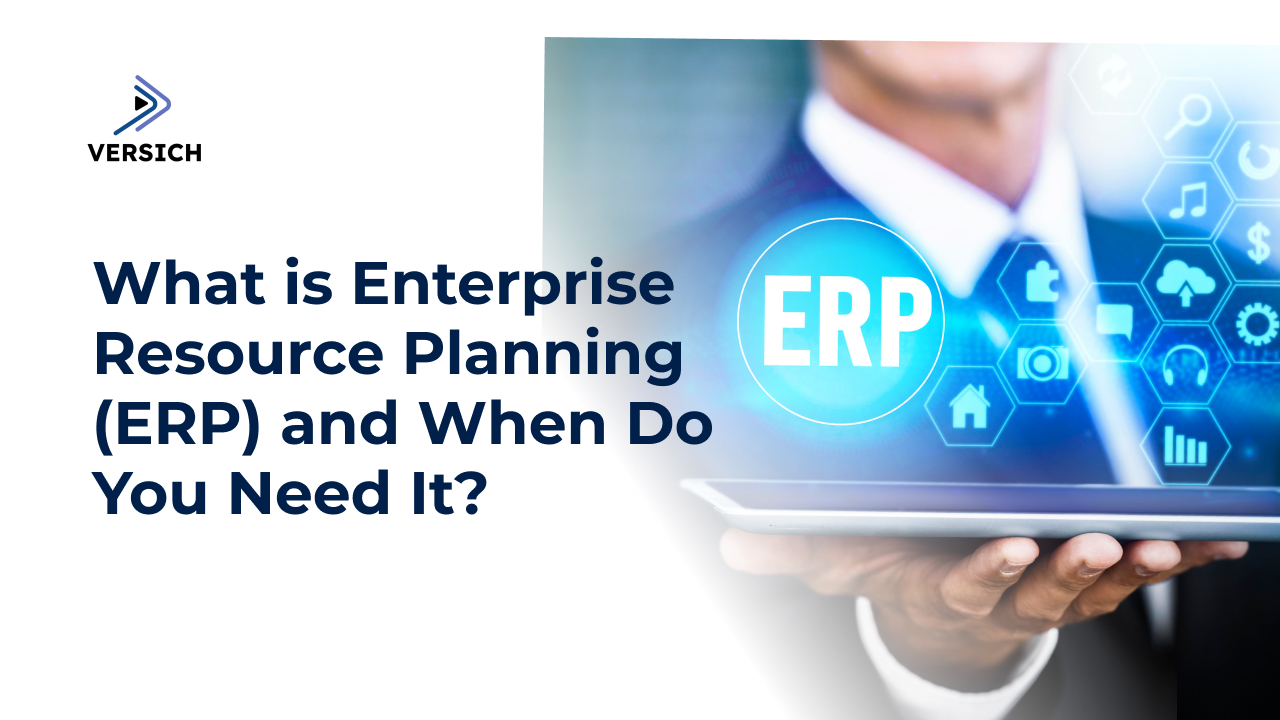
Enterprise Resource Planning, or ERP, is one of those terms that gets used a lot in business and technology conversations, but many teams are not fully clear on what it actually does until they reach a breaking point with spreadsheets and disconnected systems. This guide explains ERP in plain language, how it works, what benefits it provides, and the signals that it may be time for your organization to adopt one.
What Is Enterprise Resource Planning (ERP)?
At its core, an ERP system is integrated software that brings core business processes into one unified platform. Instead of finance, sales, inventory, projects, and HR each using their own tools and data silos, an ERP keeps everything in a single, shared database.
Typical ERP modules cover:
Finance and accounting
Procurement and inventory
Order management and sales
Production or project management
Supply chain and logistics
Human resources and payroll
Reporting and analytics
Modern ERP systems are often cloud-based and delivered as subscription services. They provide a single source of truth for business data so decision-makers can see real-time information rather than reconciling conflicting reports from different systems.
How Does an ERP System Work?
An ERP solution usually consists of:
A central database that stores all transactional and master data (customers, products, vendors, chart of accounts, etc.).
Functional modules that handle specific business processes but read and write to the same underlying data.
Standardized workflows that define how transactions move through the organization (for example, purchase request → purchase order → goods receipt → vendor invoice → payment).
Role-based access so each user sees the processes, dashboards, and reports relevant to their function.
Because all departments are operating on shared data, actions in one area are instantly reflected elsewhere. A sales order updates demand forecasts, inventory availability, and revenue expectations. A production run updates raw material consumption and finished goods inventory. Finance sees the impact in real time. 
Key Benefits of ERP for Businesses
The exact benefits of ERP depend on the size of your organization and the system you choose, but most businesses see advantages in a few core areas.
1. Higher Productivity and Automation
ERP automates many repetitive tasks: posting journals, reconciling accounts, generating invoices, updating inventory, and more. This reduces manual data entry, cuts down on errors, and frees employees to work on analysis and value-added activities instead of routine administration.
2. Better Visibility and Decision-Making
Because ERP consolidates data from all departments into one system, managers get real-time insights into performance: cash position, inventory levels, project margins, sales pipeline, and more. Instead of waiting for month-end spreadsheets, leaders can monitor KPIs daily and adjust quickly.
3. Standardized Processes and Compliance
ERP enforces standardized workflows across the organization. This reduces ad‑hoc workarounds and makes it easier to maintain internal controls, segregation of duties, approval hierarchies, and audit trails. For regulated industries or multi-entity groups, this is crucial for compliance.
4. Reduced IT Complexity
With ERP, you replace a patchwork of separate applications, access databases, and custom integrations with a single, integrated platform. That means fewer systems to maintain, fewer integration points to break, and simpler user training.
5. Scalability as You Grow
Well-designed ERP systems are built to scale. As you add new product lines, business units, countries, or channels, you can extend your existing platform instead of rebuilding your processes from scratch. This is especially important during rapid growth or acquisitions.
When Do You Really Need an ERP System?
Not every organization needs ERP from day one. However, there are clear signs that your existing tools are no longer enough and that the cost of “doing nothing” is increasing.
1. You Rely Heavily on Spreadsheets to Run the Business
If critical processes (budgeting, inventory planning, revenue reporting) live in complex spreadsheets that only a few people understand, you have a risk and scalability problem. As transaction volumes grow, errors and version conflicts become more likely. ERP centralizes these processes in structured, controlled workflows.
2. Systems Do Not Talk to Each Other
You may have an accounting system, a CRM, a warehouse solution, and a separate HR tool—but they are not integrated properly. Staff spend hours exporting, importing, and reconciling data between systems. ERP eliminates most of this by integrating core functions into one platform so data flows automatically.
3. You Lack Real-Time Visibility
If questions like “What are our current margins?”, “How much inventory do we have on hand?”, or “What is our open order backlog?” take days to answer, it suggests data fragmentation. ERP allows decision-makers to see consolidated, real-time dashboards and reports without manual aggregation.
4. Month-End Close Takes Too Long
When closing the books means a scramble of journal entries, reconciliations, spreadsheets, and last-minute corrections, your financial processes are under strain. ERP automates many aspects of the close and provides accurate postings as transactions occur, dramatically shortening the cycle.
5. You Are Expanding to New Locations, Markets, or Channels
Growth adds complexity: new warehouses, currencies, tax regimes, and regulatory requirements. If you attempt to manage this on multiple local systems, reporting and control become difficult. ERP provides a unified backbone for multi-entity, multi-currency, and multi-country operations.
6. Customers and Suppliers Complain About Delays or Errors
Frequent stockouts, late shipments, incorrect invoices, or misaligned purchase orders suggest that your processes are not fully integrated. ERP helps synchronize demand, supply, and financial records so frontline teams can respond faster and more accurately.
7. IT and Support Costs Keep Rising
Maintaining multiple aging systems, custom code, and ad-hoc integrations requires more and more IT effort. Upgrades are risky and expensive. A modern ERP, particularly in the cloud, can reduce infrastructure spend and simplify upgrades with regular, vendor-managed releases. 
Types of ERP Deployment
When you evaluate ERP solutions, you will typically consider three deployment models:
1. On-Premises ERP
The software runs on servers you own and manage. This offers high control but requires significant infrastructure, security management, and in-house IT skills.
2. Cloud ERP (SaaS)
The software is hosted by the vendor and accessed via the internet as a subscription. This model reduces hardware and maintenance overhead and often delivers faster updates and scalability.
3. Hybrid or Hosted Models
Some organizations run parts of the ERP in their own data centers and others in the cloud, or use hosting partners to manage the infrastructure while retaining some control.
The right choice depends on your regulatory environment, IT strategy, budget, and the level of customization you require.
Common Misconceptions About ERP
“ERP is only for large enterprises.”
Modern ERP platforms scale down as well as up. Many fast-growing small and mid-sized businesses adopt ERP early to avoid hitting process bottlenecks later.
“ERP projects always overrun budgets and timelines.”
Poorly scoped projects can go off track, but disciplined planning, phased rollouts, and experienced implementation partners greatly reduce risk. Cloud ERP and industry-specific templates have also made implementation faster and more predictable.
“We will lose flexibility if we standardize on ERP.”
ERP can actually increase flexibility by giving you consistent data and configurable processes. Most solutions offer strong customization and integration tools, but these should be used judiciously to avoid unnecessary complexity. 
How to Decide If You Are Ready for ERP
Ask yourself and your leadership team:
Are we confident in the accuracy and timeliness of our current reports?
Do key processes rely heavily on manual steps or tribal knowledge?
Are different departments using separate systems that do not integrate well?
Are we planning significant growth, international expansion, or new business models?
Is IT spending more time on keeping old systems alive than on innovation?
If you see multiple “yes” answers and recurring pain in these areas, it is likely time to formally evaluate ERP. That evaluation should include:
A current state assessment of processes and systems
A clear set of business objectives (faster close, better inventory control, multi-entity consolidation, etc.)
A comparison of ERP options and deployment models
High-level ROI analysis based on efficiency gains, risk reduction, and growth support

Practical First Steps
If you think ERP might be in your near future, you can start preparing even before selecting a product:
Map your processes: Document how finance, sales, purchasing, inventory, and production currently work, including pain points and exceptions.
Clean your data: Standardize customer, vendor, and product records to reduce migration issues later.
Align leadership: Make sure executives agree on the goals of an ERP initiative and how success will be measured.
Identify an internal project owner: A finance or operations leader who understands both business requirements and technology impact.
When you are ready, engaging with an experienced ERP consulting partner can help you translate these preparations into a realistic implementation roadmap.
Final Thoughts
Enterprise Resource Planning is not just another IT system. It is the digital backbone of the organization, shaping how data flows, how decisions are made, and how quickly you can respond to change. For many businesses, there comes a point where spreadsheets and disconnected applications can no longer keep up with growth, complexity, and customer expectations.
That is when ERP moves from a “nice to have” to a strategic necessity. By selecting the right solution and implementing it thoughtfully, you establish a unified platform that fosters visibility, automation, and control across your entire business, laying a solid foundation for the next stage of growth.
Versich – Your Enterprise Application Solutions Partner
Make smarter ERP decisions with Versich’s Enterprise Applications Services.
Contact Our Enterprise Experts