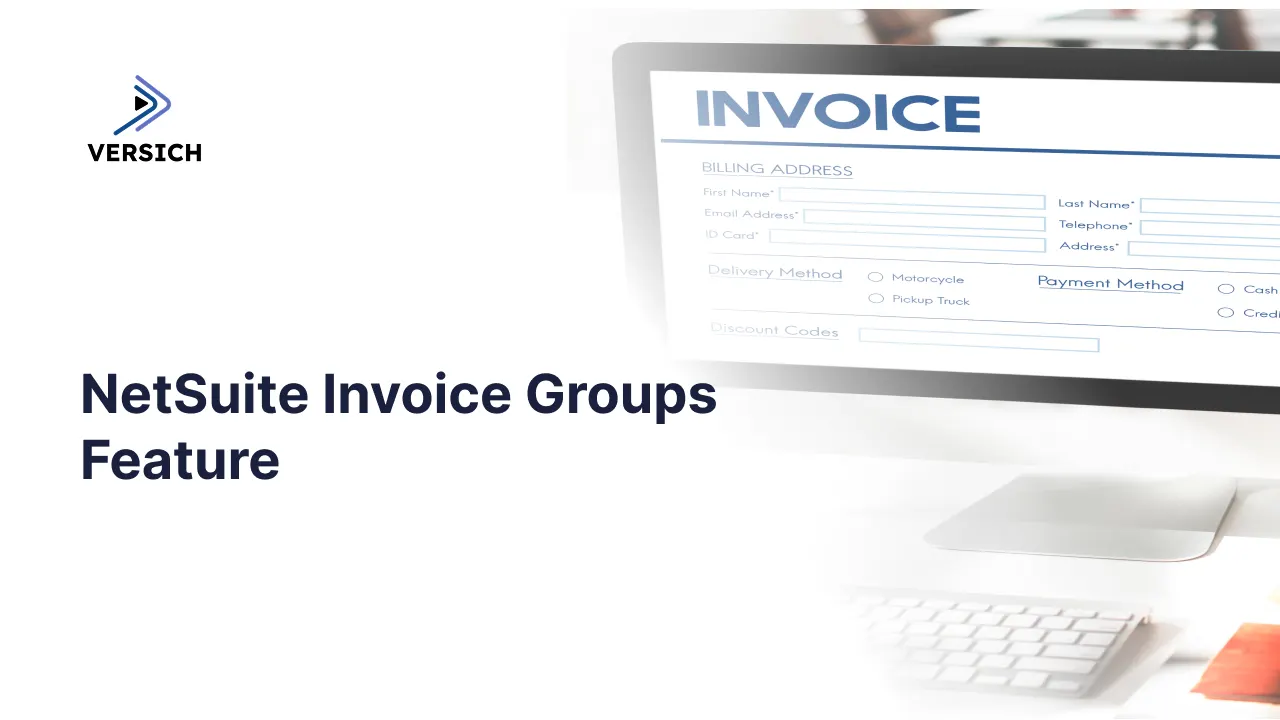
NetSuite’s Invoice Groups functionality helps businesses consolidate multiple customer invoices into a single grouped invoice. This feature streamlines billing and improves the customer experience by reducing the number of documents sent per transaction cycle. To activate this capability, navigate to Setup > Company > Enable Features. Then, open the Transactions tab and locate Group Invoices under the Billing section. You can disable this feature later if needed.
Autogenerate Default Invoices
After enabling Invoice Groups, head to the Autogenerated Numbers page. There, you can define a prefix or suffix and configure an autogenerated number specifically for Invoice Groups. Once set up, the system adds a checkbox labeled Group Invoices or For Invoice Grouping to both Customer and Sales Transaction records.
If you check this box on a customer record, any new sales transactions for that customer will automatically be flagged for possible invoice grouping by default. However, checking this box on a sales transaction does not merge invoices automatically; it only marks them as eligible for future consolidation.
Implement Invoice Grouping
Once there are multiple eligible invoices for a single customer, you can group them by following this process:
Step 1: Go to Transactions > Sales > Group Invoices.
Step 2: On this screen, enter the customer name.
Step 3: All open invoices with the For Invoice Grouping checkbox selected for that customer will appear.
Step 4: Select the invoices you want to combine and finalize the grouping.
Important Considerations
The system allows grouping only for invoices that originate from Sales Orders. If needed, you can later undo a grouping. To do this, open the grouped invoice record, scroll to the Details section, and click the Ungroup Invoices button.
This functionality utilizes NetSuite’s Advanced PDF technology, allowing for customization of the layout and formatting of grouped invoice documents. It’s important to note that the General Ledger is impacted by the individual invoices involved, not by the grouped invoice record itself.
Updating & Auto-Generating NetSuite Transaction Numbers
NetSuite Optimization
Need Help?
If you're following these steps and something isn’t working as expected, it's possible a setting or field was overlooked. Versich regularly updates our resources to offer more thorough guidance. Reach out via chat to tell us where you’re stuck so we can improve this article accordingly.
Looking for expert NetSuite support? Versich is an Oracle NetSuite Alliance Partner and Commerce Partner, ready to assist with NetSuite and SuiteCommerce implementations of any size.